
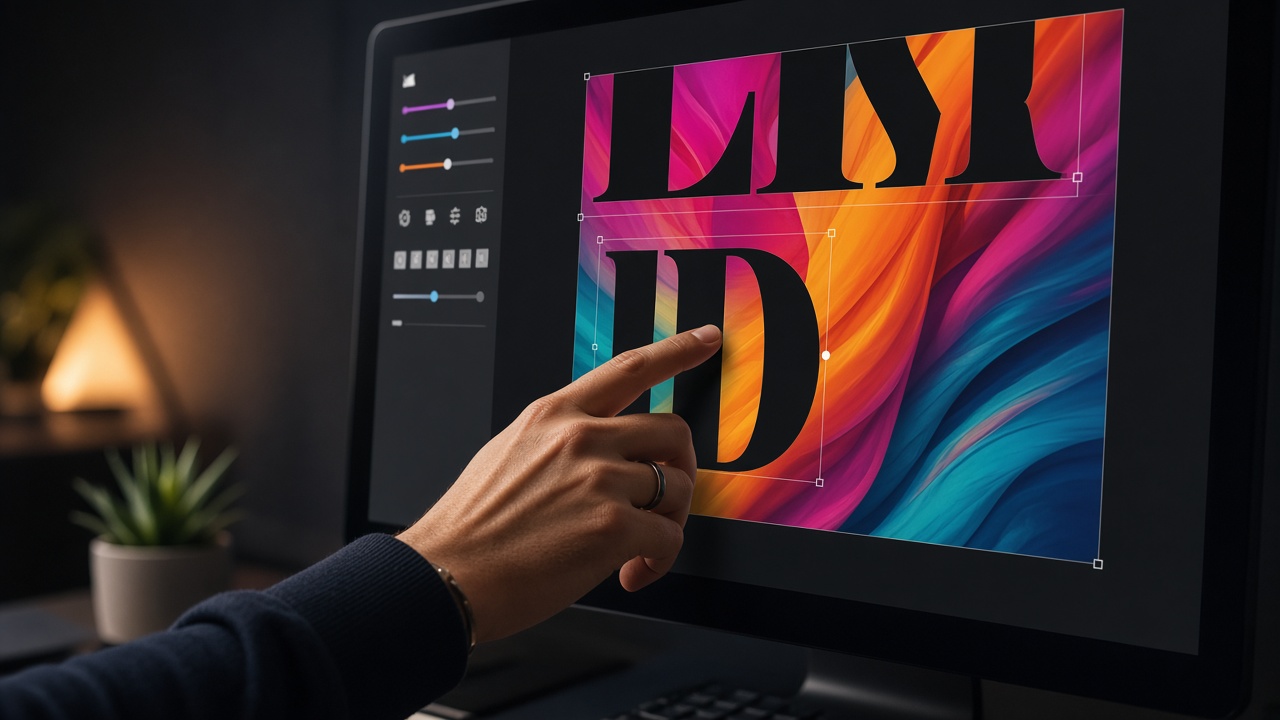
AI-generated photos often pack detail into every corner—foliage, bokeh, texture, and color shifts that delight in Gallery but sabotage headlines. The fix is not always a simpler image. Often you need smarter placement, contrast, and restraint in SyntVision Editor. This guide covers practical ways to keep text readable on busy SyntVision Gallery scenes without making the result look like a stock template.

Start with copy-space, not effects
When browsing Gallery, prefer compositions with sky, wall, water, or shadow bands that naturally hold type.
If the scene is uniformly detailed, plan for a scrim early instead of hoping a thin font will survive.
Scrims and overlays that still feel photographic
Use a linear gradient from transparent to semi-dark behind one or two lines—not a solid rectangle across the whole image.

Match scrim direction to light in the scene. A bottom-up fade feels natural when ground detail is busiest.
- Avoid 90% black bars unless the brand already uses that look
- Test scrim at phone brightness, not only on a calibrated monitor
- Keep logos outside the scrim when possible for cleaner balance
Type choices that scale down
Sans-serif display faces with medium or bold weight outperform thin serifs on noisy backgrounds.
Use two sizes max: headline and optional subline. Long paragraphs belong in the caption or landing page, not on the image.

- Write the shortest possible headline.
- Place it in the calmest zone after crop.
- Add scrim if contrast ratio still fails.
- Increase letter-spacing slightly for all-caps lines.
- Export and squint-test at thumbnail size.
Color harmony vs contrast
Contrast beats matching. A teal headline on a teal wall disappears even when it looks sophisticated in Editor.
Sample a near-neutral from the scene for sublines; use white or near-white for primary lines on dark scrims.
When to pick a different Gallery image
If you already added a scrim, shortened copy twice, and moved type three times, the base image may be wrong for the job.
Switching assets is faster than fighting a scene that has no calm zone at your target aspect ratio.
Accessibility and legibility
Readable marketing is accessible marketing. Pair strong contrast with plain language.
Do not rely on color alone for meaning; shape and wording should carry the message if the image desaturates.
How to use this on SyntVision
Browse matching visuals in the SyntVision Gallery, open a favorite image in the SyntVision Editor to crop, add text, or export, and keep private edits in your account Library. Check each product page for license details before commercial use.
Build a reusable scrim recipe in Editor on one master, save to Library, and duplicate for weekly promos so contrast stays consistent.
Testing on real devices
AirDrop or message the export to your phone before scheduling. Outdoor glare exposes weak type faster than any desktop preview.
Brand kits without clutter
Limit yourself to one display font and one scrim opacity for a quarter. Visual discipline makes busy photos feel intentional instead of chaotic.
Layering text over faces and products
When the hero is a face or product, default to placing type in negative space beside the subject, not across the eyes or label. If the composition is tight, crop first to create space rather than covering the subject with a heavy panel. Faces carry trust; obscuring them reduces click-through on ads and profile posts alike.
For product promos, keep price and offer text off the packaging art when possible so the item stays recognizable in small thumbnails.
Dark mode and night scrolling
Many users read feeds at night. Pure white type on a mid-gray scrim can glare; slightly off-white or soft cream often feels better while staying readable. Test one export in a dark room on minimum brightness—it exposes harsh contrast quickly.
Deeper practice notes
Great creative systems are boring on purpose. You repeat a short checklist until it becomes muscle memory: choose with intent, crop for the real placement, add as little decoration as needed, save a master, export a child file, confirm rights, publish, measure one metric, tidy Library. Whenever a step feels glamorous but unclear, return to that checklist.
Most failed projects skip selection. They grab the first colorful thumbnail, then try to invent margins that do not exist. Spend an extra minute in Gallery. The catalog is large enough that a better composition is usually a scroll away. Your Editor time should refine a good choice, not rescue a bad one.
Write the audience and the offer in plain language before you touch type tools. If you cannot say the message in one breath, the image will not say it either. Complexity belongs on the landing page. The creative’s job is recognition and clarity at a glance, especially on mobile data connections and small screens.
When you collaborate, document the product URL, the Library master name, and the export names used in ads or print. That tiny text file prevents legal and operational confusion later. If a platform asks where an asset came from, you answer in seconds instead of reconstructing history from memory.
Finally, protect your future self. Delete failed experiments. Keep masters without burned-in dates when you expect reuse. Review storage monthly. Upgrade plans because of evidence, not anxiety. SyntVision works best as a calm loop — Gallery, Editor, Library, publish — repeated with care.
Return to the core loop whenever you feel stuck: browse Gallery with a job in mind, refine in Editor, archive masters in Library, confirm licenses, publish with restraint, and tidy files afterward. Repeating that loop with care will outperform any single trick inside an editing tool.
Use this guide as a living checklist. Revisit it after your next real project, note where you skipped a step, and adjust your habits. Small process improvements compound across every future export you make on SyntVision.