

Pinterest behaves like a visual search engine. People save pins to act on later, which means clarity beats mystery. SyntVision Gallery offers rich lifestyle and seasonal imagery; your pin still needs a vertical crop, readable title treatment, and a promise that matches the landing page. This guide walks from Gallery selection through Editor export for pins that feel native to the platform.

Pin shape and safe margins
Standard advice centers on 2:3 aspect ratio (for example 1000×1500). Tall pins scroll well on mobile.
Keep critical text and faces away from extreme top and bottom edges where UI overlays appear.
Gallery selection for save-worthy pins
Browse Gallery with a board theme: nursery ideas, menu inspiration, wedding palettes, shop promos.
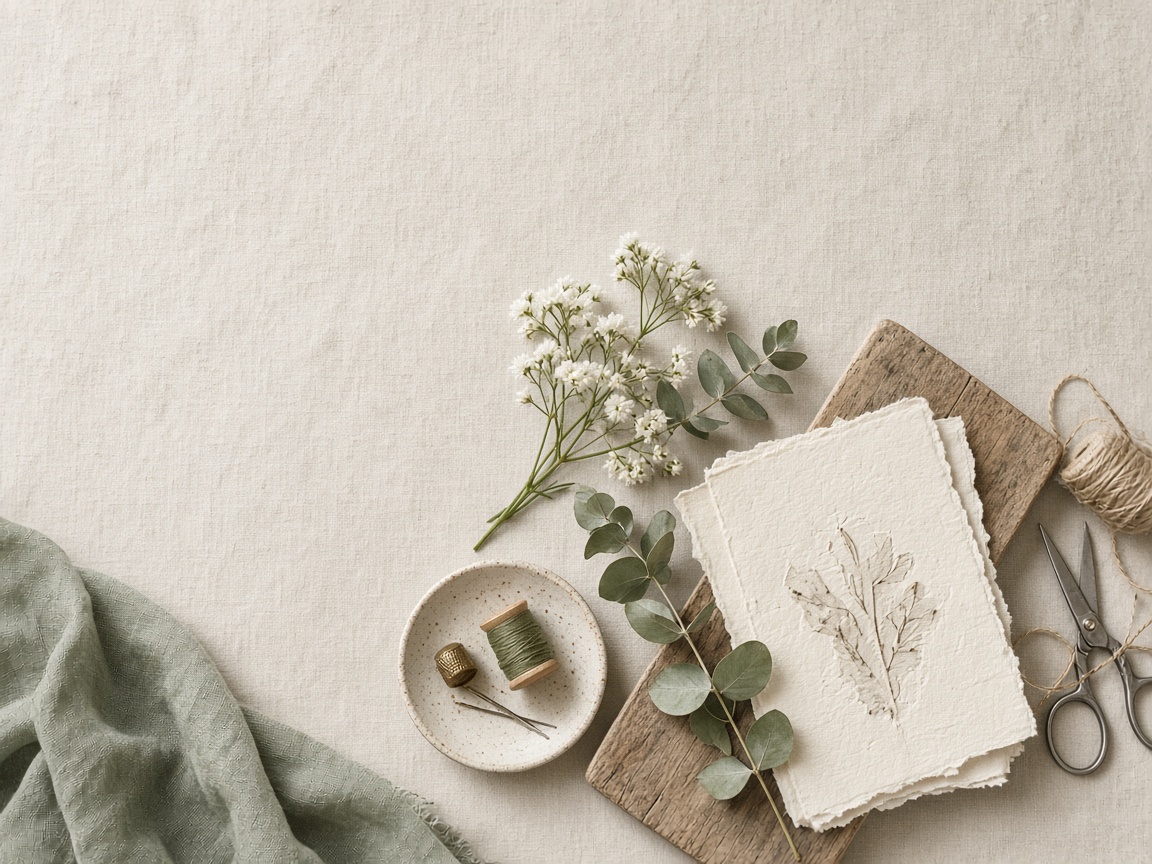
Choose images with a clear focal path top-to-bottom—table settings, hands crafting, product on linen—not chaotic wide scenes you must crop aggressively.
- One idea per pin
- Calm top third for title
- Enough resolution for sharp mobile display
- License checked before monetized landing pages
Title text that matches search intent
Write the pin title like a helpful search phrase, not a joke only your team understands.
Use Editor for short primary lines; put long instructions on the blog or product page you link to.

Branding without clutter
Small logo or URL in a corner is enough for most creators.
Let the Gallery image carry emotion; type carries the promise.
Export and naming discipline
- Crop 2:3 in Editor.
- Add title and optional subtitle.
- Export high-quality JPG.
- Save master to Library.
- Upload to Pinterest with description and link.
- Track which Gallery moods earn saves.
Avoiding policy and trust issues
Pin copy must reflect the page you link to. Misleading before/after pins hurt trust and ad accounts.
Document which SyntVision product URL supplied the image if you revisit the pin months later.
How to use this on SyntVision
Browse matching visuals in the SyntVision Gallery, open a favorite image in the SyntVision Editor to crop, add text, or export, and keep private edits in your account Library. Check each product page for license details before commercial use.
Build a Pinterest folder in Library mirroring your boards so seasonal refreshes reuse proven masters.
Repinning your own content
Refresh pins with new titles on the same Library master when a post performs—no need to re-browse Gallery from zero.
Board strategy and Gallery batches
Align each board with one buyer question: nursery ideas, weeknight dinners, small wedding budgets. Browse Gallery in that mindset and save five candidates to Library before editing any pin. Boards look cohesive when the underlying photos share light quality even if subjects differ.
Refresh one pin per board weekly rather than rebuilding entire boards monthly—Pinterest rewards steady activity without requiring all-new art every time.
Descriptions and keywords off the image
Put searchable detail in the pin description and on the landing page, not in tiny type on the art. The image should attract; the page should teach. This split keeps pins readable and avoids cluttering Editor exports with paragraphs.
Measuring saves, not just clicks
High save counts signal future traffic. Note which Gallery categories produced saves even when immediate clicks were modest. Those categories deserve first pick on the next seasonal campaign.
Deeper practice notes
Great creative systems are boring on purpose. You repeat a short checklist until it becomes muscle memory: choose with intent, crop for the real placement, add as little decoration as needed, save a master, export a child file, confirm rights, publish, measure one metric, tidy Library. Whenever a step feels glamorous but unclear, return to that checklist.
Most failed projects skip selection. They grab the first colorful thumbnail, then try to invent margins that do not exist. Spend an extra minute in Gallery. The catalog is large enough that a better composition is usually a scroll away. Your Editor time should refine a good choice, not rescue a bad one.
Write the audience and the offer in plain language before you touch type tools. If you cannot say the message in one breath, the image will not say it either. Complexity belongs on the landing page. The creative’s job is recognition and clarity at a glance, especially on mobile data connections and small screens.
When you collaborate, document the product URL, the Library master name, and the export names used in ads or print. That tiny text file prevents legal and operational confusion later. If a platform asks where an asset came from, you answer in seconds instead of reconstructing history from memory.
Finally, protect your future self. Delete failed experiments. Keep masters without burned-in dates when you expect reuse. Review storage monthly. Upgrade plans because of evidence, not anxiety. SyntVision works best as a calm loop — Gallery, Editor, Library, publish — repeated with care.
Pre-publish checklist for this workflow
Re-read your brief for “Turn SyntVision Gallery Images into Pinterest Pins” and confirm the export matches the channel you named—not a convenient ratio that happened to be open in Editor.
Open Gallery only when the current Library master cannot be cropped or typed into shape; swapping backgrounds mid-campaign breaks audience recognition.
Store the approved file in Library with campaign or event names before uploading to schedulers, email tools, or print vendors.
If results disappoint, test headline or audience changes before assuming the background failed—many creatives underperform for copy reasons while the Gallery pick was sound.
Documentation habits
Note the Gallery product URL, export date, and designer initials in a one-line readme. Months later, that line answers licensing and reprint questions without guessing.
When collaborators ask which asset supplied a background, answer from filenames and notes, not memory. Handoffs stay calm when evidence is obvious.
Storage and plan reality
Variant exports accumulate quickly when one master feeds several ratios. Review Library monthly, delete failed drafts, and open billing only when storage trends justify a change—not every single export.
Upgrade plans because of measured need: recurring batch work, client volume, or retained masters—not because one busy week created temporary clutter you can prune.
Return to the core loop whenever you feel stuck: browse Gallery with a job in mind, refine in Editor, archive masters in Library, confirm licenses, publish with restraint, and tidy files afterward. Repeating that loop with care will outperform any single trick inside an editing tool.
Use this guide as a living checklist. Revisit it after your next real project, note where you skipped a step, and adjust your habits. Small process improvements compound across every future export you make on SyntVision.