
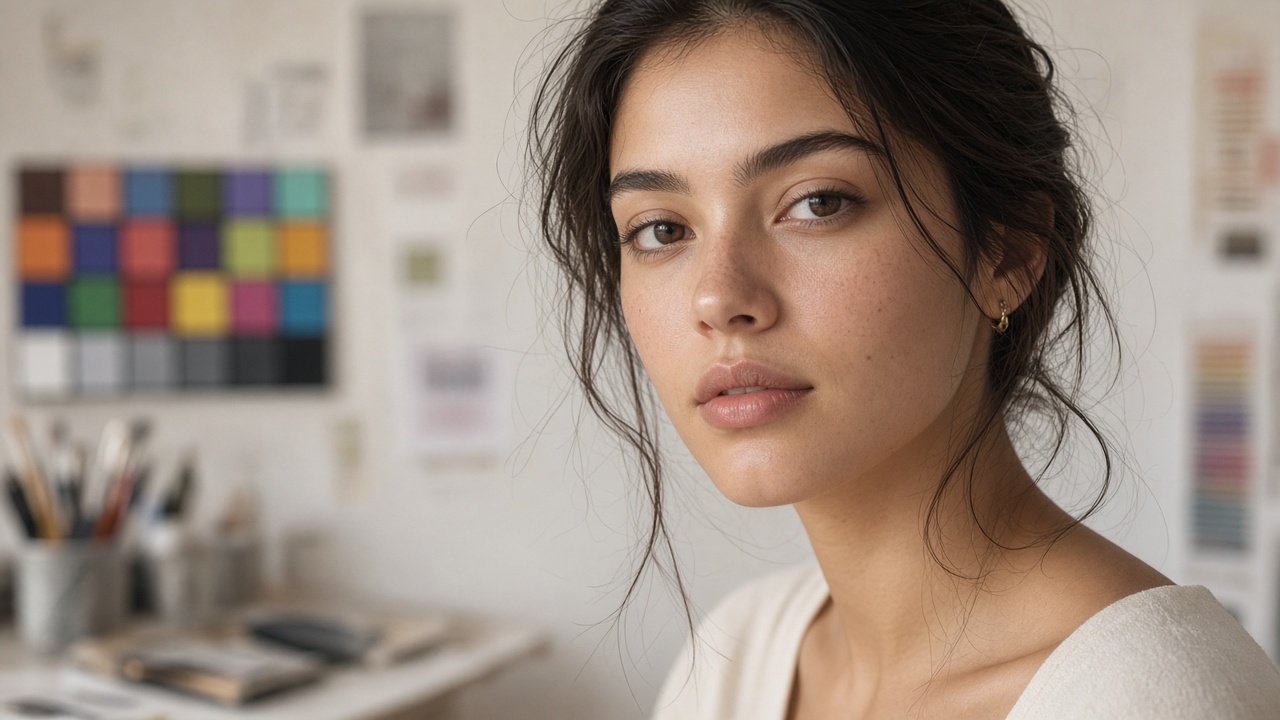
Color adjustment is where AI images go from believable to plastic in one heavy-handed move. SyntVision Gallery scenes often arrive vivid; your campaign may need restraint, brand alignment, or print-safe tones. The challenge is lifting mood without pushing skin into orange, magenta, or gray. This guide focuses on practical color work in Editor and when to leave the Gallery file alone.
Decide what actually needs changing
Before opening sliders, name the problem: too cool for a bakery ad, too flat for a summer sale, mismatched with an existing logo blue.
If the image already matches the brief, spend time on crop and type instead of global filters.
Prefer gentle global moves
Small exposure, contrast, and warmth tweaks usually outperform extreme saturation.
When you boost saturation globally, skin and food both clip unnaturally. Pull back and adjust background separately if Editor tools allow layered or regional control.
- Warmth in small steps—test after each nudge
- Watch teeth and whites; they clip before you notice cheeks
- Compare two exports side by side; fresh eyes catch neon skin
Selecting Gallery images with grade headroom
On Gallery, favor images with soft light and natural shadow transitions when people appear.
Hard HDR-looking AI contrast is harder to rescue than a slightly flat file you can warm gently.
Matching brand palettes without painting people
Align backgrounds, props, and typography to brand hex values—not flesh.
If the brand is neon green, let green live in borders, buttons, and headlines while skin stays neutral.
Print and skin tone crossover
Print exaggerates warmth. Export a test strip or proof one copy before a run of flyers.
Save a color-corrected master to Library separate from the vivid social variant if channels diverge.
When to stop adjusting
Two reasonable versions often exist: vivid for social, soft for print. Pick one primary path per campaign.
If faces still look wrong, choose a different Gallery portrait rather than stacking filters.
How to use this on SyntVision
Browse matching visuals in the SyntVision Gallery, open a favorite image in the SyntVision Editor to crop, add text, or export, and keep private edits in your account Library. Check each product page for license details before commercial use.
After color work, save labeled masters (-social vs -print) in Library so teammates do not publish the wrong grade.
Commercial portraits for ads still require license checks on each product page before paid placement.
Monitor calibration reality
Most clients approve on laptops. Export sRGB-friendly files and verify on an uncalibrated phone—the majority of viewers.
Skin-aware selection in Gallery
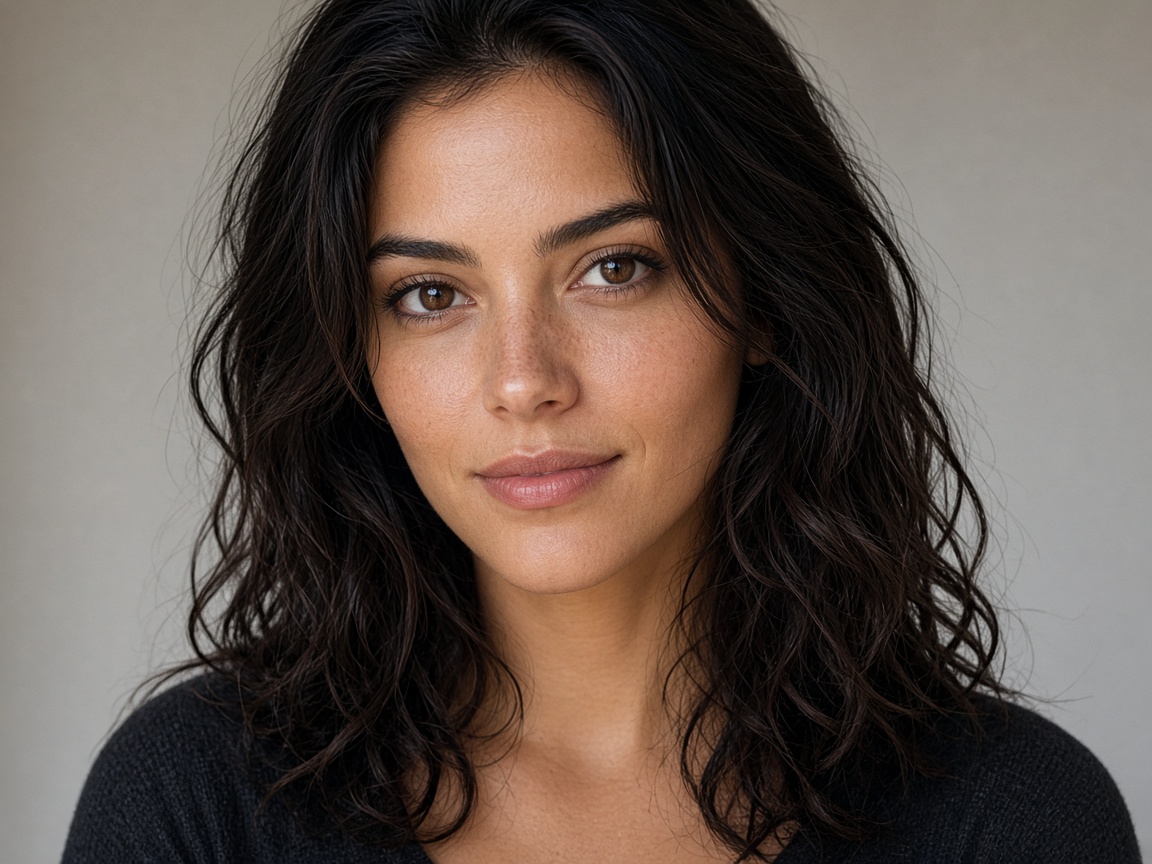
When people appear in ads, spend extra time on Gallery selection: look for even lighting, natural shadow under the chin, and believable highlight on skin. Images that already look balanced need fewer fixes, which means less risk of uncanny color.
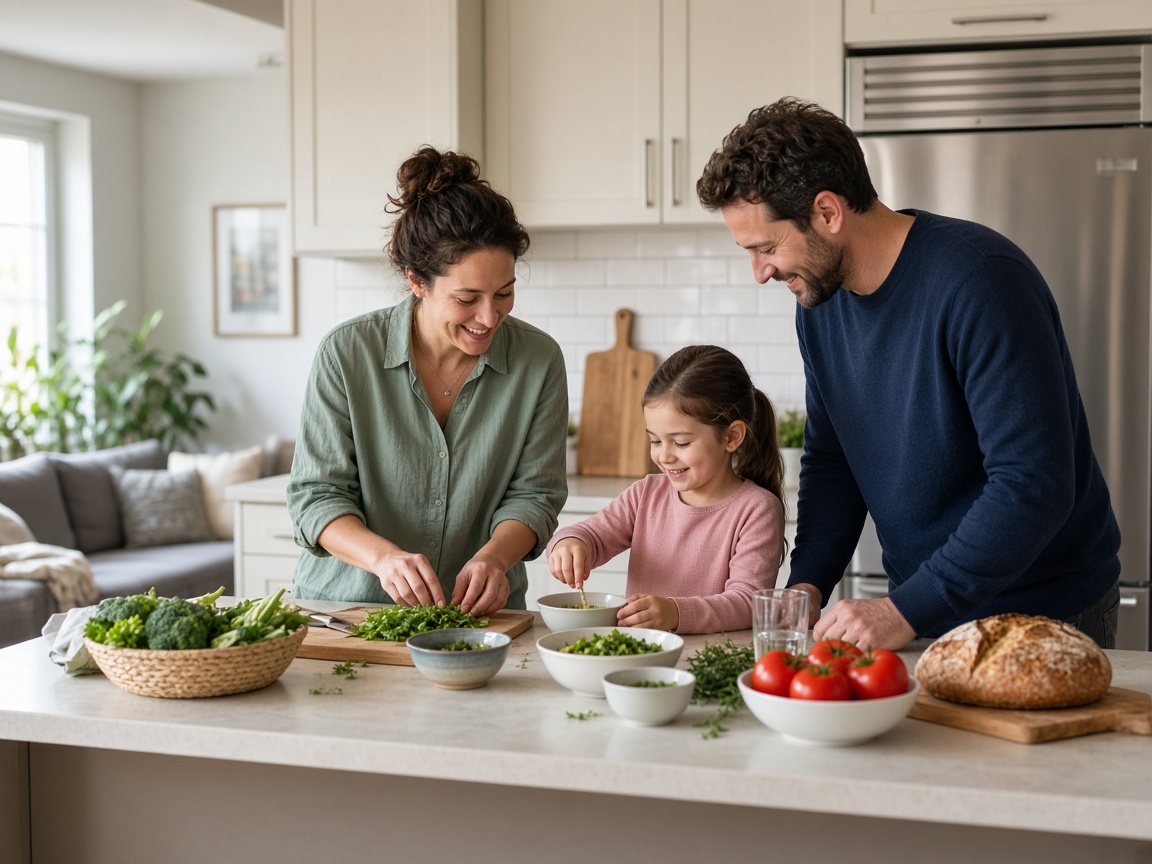
Group shots amplify errors—one orange face stands out among three natural ones. Either grade conservatively or pick a different base image.
Documenting grades for reprints
If a client approves a warm grade for autumn mailers, save that exact export name in your job notes. Reprints in spring should not accidentally pull an ungraded master. Library labels like clientname-fall24-warm prevent seasonal drift.
Working with strict brand guides
Some brands cap saturation or forbid orange casts entirely. Translate those rules into a short checklist before Editor work: max warmth step, saturation ceiling, proof on two devices. Compliance becomes routine instead of a panic review the night before launch.
Deeper practice notes
Great creative systems are boring on purpose. You repeat a short checklist until it becomes muscle memory: choose with intent, crop for the real placement, add as little decoration as needed, save a master, export a child file, confirm rights, publish, measure one metric, tidy Library. Whenever a step feels glamorous but unclear, return to that checklist.
Most failed projects skip selection. They grab the first colorful thumbnail, then try to invent margins that do not exist. Spend an extra minute in Gallery. The catalog is large enough that a better composition is usually a scroll away. Your Editor time should refine a good choice, not rescue a bad one.
Write the audience and the offer in plain language before you touch type tools. If you cannot say the message in one breath, the image will not say it either. Complexity belongs on the landing page. The creative’s job is recognition and clarity at a glance, especially on mobile data connections and small screens.
When you collaborate, document the product URL, the Library master name, and the export names used in ads or print. That tiny text file prevents legal and operational confusion later. If a platform asks where an asset came from, you answer in seconds instead of reconstructing history from memory.
Finally, protect your future self. Delete failed experiments. Keep masters without burned-in dates when you expect reuse. Review storage monthly. Upgrade plans because of evidence, not anxiety. SyntVision works best as a calm loop — Gallery, Editor, Library, publish — repeated with care.
Return to the core loop whenever you feel stuck: browse Gallery with a job in mind, refine in Editor, archive masters in Library, confirm licenses, publish with restraint, and tidy files afterward. Repeating that loop with care will outperform any single trick inside an editing tool.
Use this guide as a living checklist. Revisit it after your next real project, note where you skipped a step, and adjust your habits. Small process improvements compound across every future export you make on SyntVision.