

Instagram Stories are not miniature feed posts. They are full-screen, vertical, and often watched with sound off while someone is walking. A Gallery image that looks stunning as a square can fail as a Story because the subject sits in the wrong third or the background fights your headline. This guide helps you choose SyntVision Gallery assets that survive the 9:16 crop and still feel intentional after you add type in the Editor.

Think placement before prettiness
Open Stories on your phone and notice where your thumb covers the screen, where stickers sit, and where link pills appear. Safe storytelling space is usually the middle band of the frame. When you browse Gallery, favor images with a clear subject and calm areas above or below it—not edge-to-edge detail everywhere.
- Subjects centered or slightly low leave room for headlines at the top
- Wide landscapes often lose the hero element when cropped vertical
- Busy textures behind text need a scrim or repositioning in Editor
- Faces should stay fully inside the crop; Stories cut tighter than you expect
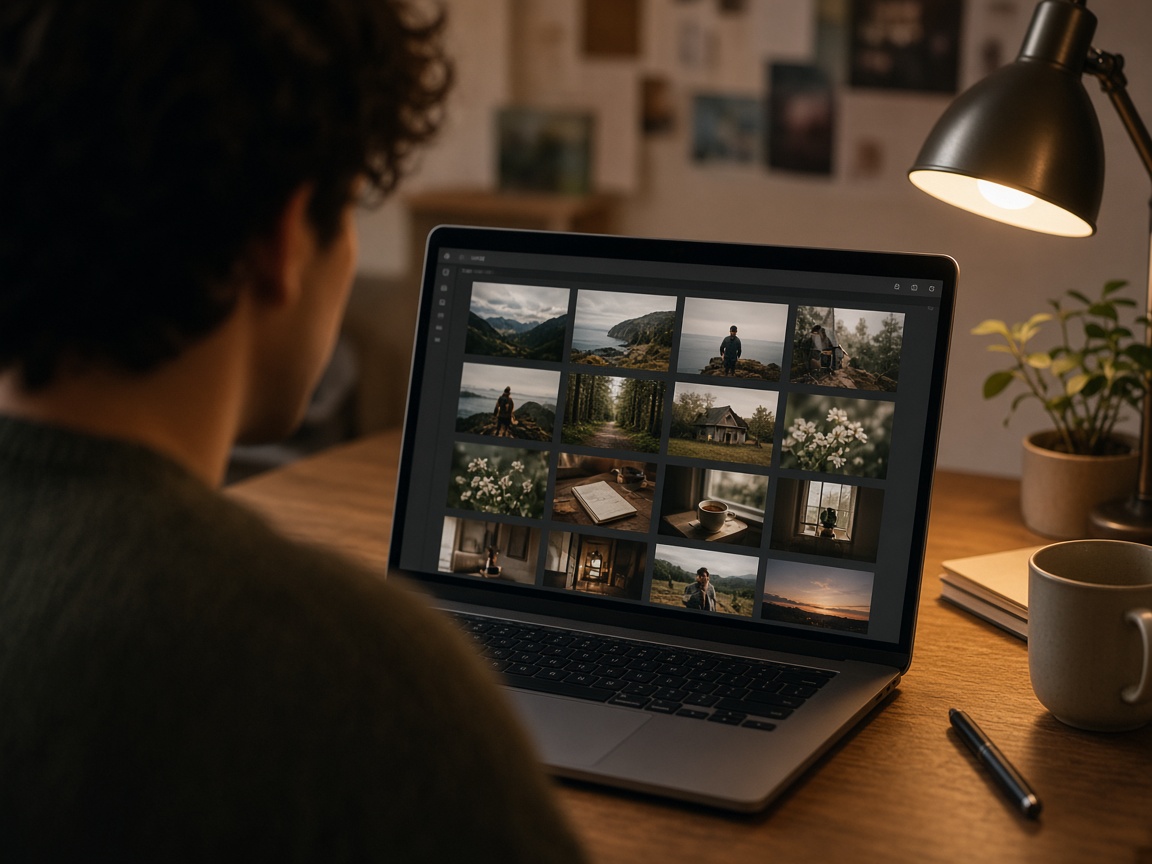
Preview the 9:16 crop while browsing
Imagine a vertical slice through the thumbnail. If the thumbnail is horizontal, ask whether the left or right third still tells the story.
Many creators pick a horizontal base, crop vertical in Editor, then save that master to Library before duplicating for feed sizes. That beats letterboxing, which reads as amateur instantly.
Motion and contrast expectations
Stories reward contrast at a glance. Soft pastels work for weddings and nurseries; promos often need one saturated accent.
AI images with heavy glow or fog can look magical in Gallery but muddy on OLED screens—slightly lift shadows in Editor if needed.
Selection checklist for Story-first jobs
- Define one message (sale, date, quote, teaser).
- Filter Gallery by mood and category, not only keyword.
- Reject images with critical detail in outer 15% of frame.
- Open Editor, crop 1080×1920 early, then add text.
- Export, view on a real device, adjust margins once.
- Save the vertical master with a clear filename.
Common Story mistakes from Gallery picks
Choosing a horizontal group shot and cropping until faces clip. Picking neon-on-neon scenes then adding lime type.

Using ultra-wide architectural shots where vertical crop removes the landmark.
Grabbing the first holiday thumbnail without reading license lines on the product page—rush shows up in rights mistakes too.
Batching Stories from one session
If you need five Story frames this week, select one cohesive Gallery set (similar light, palette, or theme) so the sequence feels like a mini campaign.
Duplicate Library masters per frame rather than mixing five unrelated aesthetics. Consistency signals professionalism even for small businesses.
How to use this on SyntVision
Browse matching visuals in the SyntVision Gallery, open a favorite image in the SyntVision Editor to crop, add text, or export, and keep private edits in your account Library. Check each product page for license details before commercial use.
For Story work, crop vertical first in Editor, add type second, and store the 9:16 master in Library before exporting sticker assets. Re-read license terms if the Story promotes a paid offer.
Pair strong Story art with a calm feed post from the same master so brand color and type stay aligned across placements.
Story-specific polish in Editor
Use slightly larger type than feels comfortable on desktop. Increase line spacing for two-line headlines. If the Gallery scene is busy, add a soft gradient scrim behind text rather than outlining every letter.
Test with the native upload path when possible; avoid re-saving through multiple apps that recompress.
Measuring what worked
Stories decay fast, but replies, sticker taps, and link clicks still teach you something. Note which Gallery moods earned taps and browse with that pattern next time.
Deeper practice notes
Great creative systems are boring on purpose. You repeat a short checklist until it becomes muscle memory: choose with intent, crop for the real placement, add as little decoration as needed, save a master, export a child file, confirm rights, publish, measure one metric, tidy Library. Whenever a step feels glamorous but unclear, return to that checklist.
Most failed projects skip selection. They grab the first colorful thumbnail, then try to invent margins that do not exist. Spend an extra minute in Gallery. The catalog is large enough that a better composition is usually a scroll away. Your Editor time should refine a good choice, not rescue a bad one.
Write the audience and the offer in plain language before you touch type tools. If you cannot say the message in one breath, the image will not say it either. Complexity belongs on the landing page. The creative’s job is recognition and clarity at a glance, especially on mobile data connections and small screens.
When you collaborate, document the product URL, the Library master name, and the export names used in ads or print. That tiny text file prevents legal and operational confusion later. If a platform asks where an asset came from, you answer in seconds instead of reconstructing history from memory.
Finally, protect your future self. Delete failed experiments. Keep masters without burned-in dates when you expect reuse. Review storage monthly. Upgrade plans because of evidence, not anxiety. SyntVision works best as a calm loop — Gallery, Editor, Library, publish — repeated with care.
Return to the core loop whenever you feel stuck: browse Gallery with a job in mind, refine in Editor, archive masters in Library, confirm licenses, publish with restraint, and tidy files afterward. Repeating that loop with care will outperform any single trick inside an editing tool.
Use this guide as a living checklist. Revisit it after your next real project, note where you skipped a step, and adjust your habits. Small process improvements compound across every future export you make on SyntVision.