
SyntVision is not only images. The Audio section offers music and sound resources you can pair with visuals for social clips, simple slideshows, and creative projects. This guide explains a responsible workflow: pick audio, read the audio license, pair it with Gallery visuals, and avoid common monetization mistakes.
Start on the right pages
- Free Music & Audio Tracks — browse available audio
- SyntVision Audio License — rules for use
- Gallery + Editor — visuals
Do not assume image license text automatically covers music. Audio has its own page for a reason.
Pairing audio with images
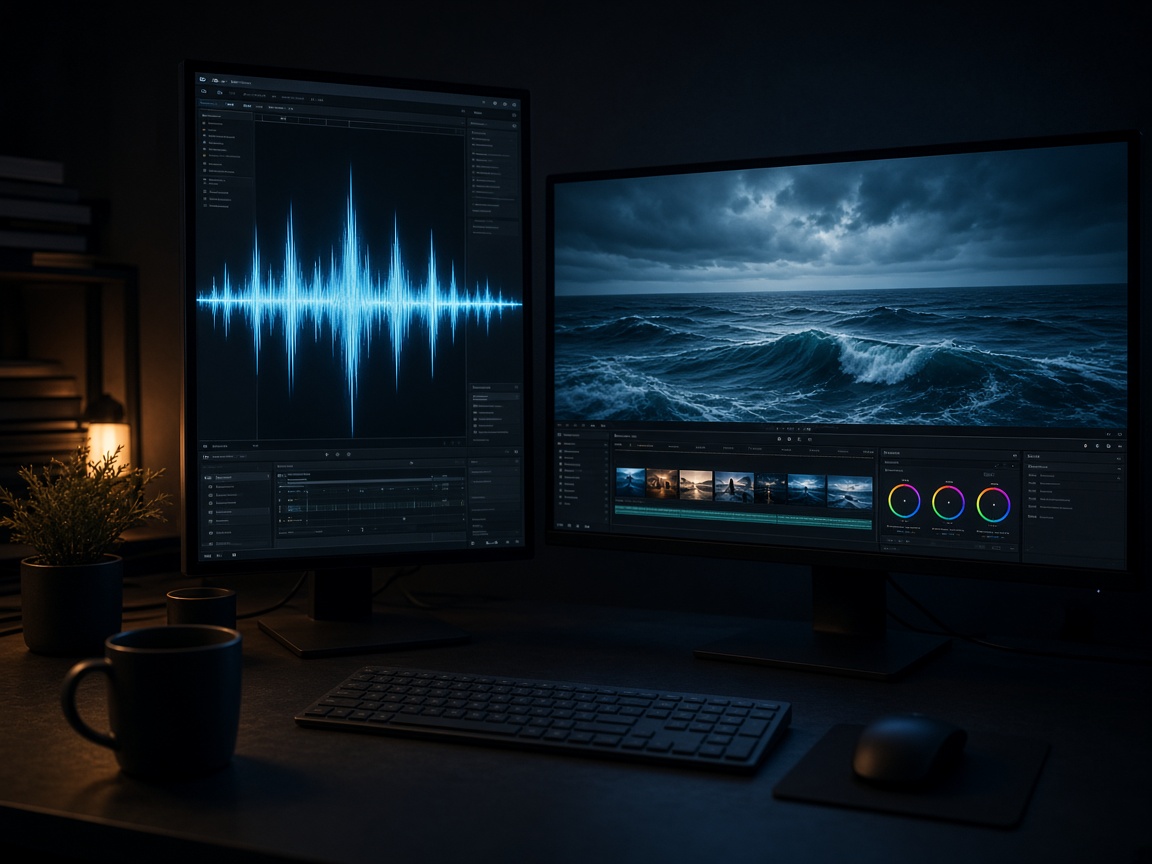
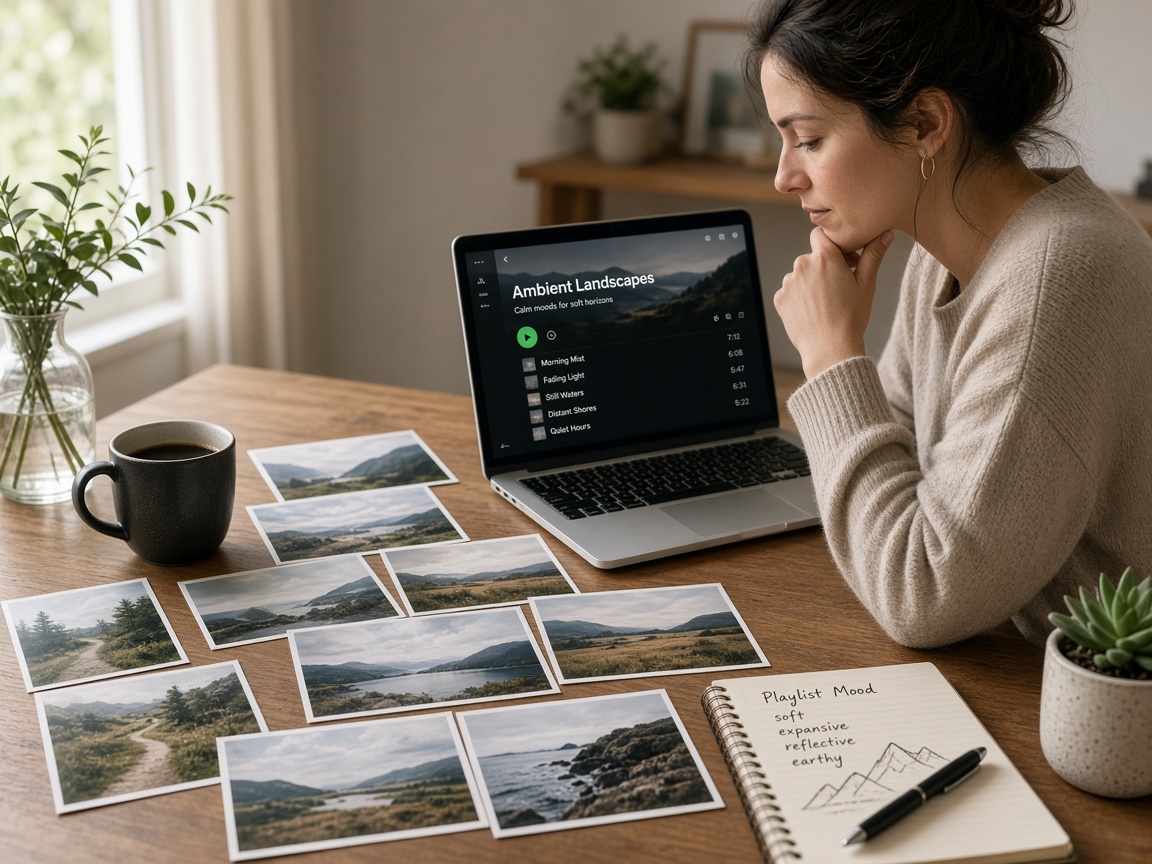
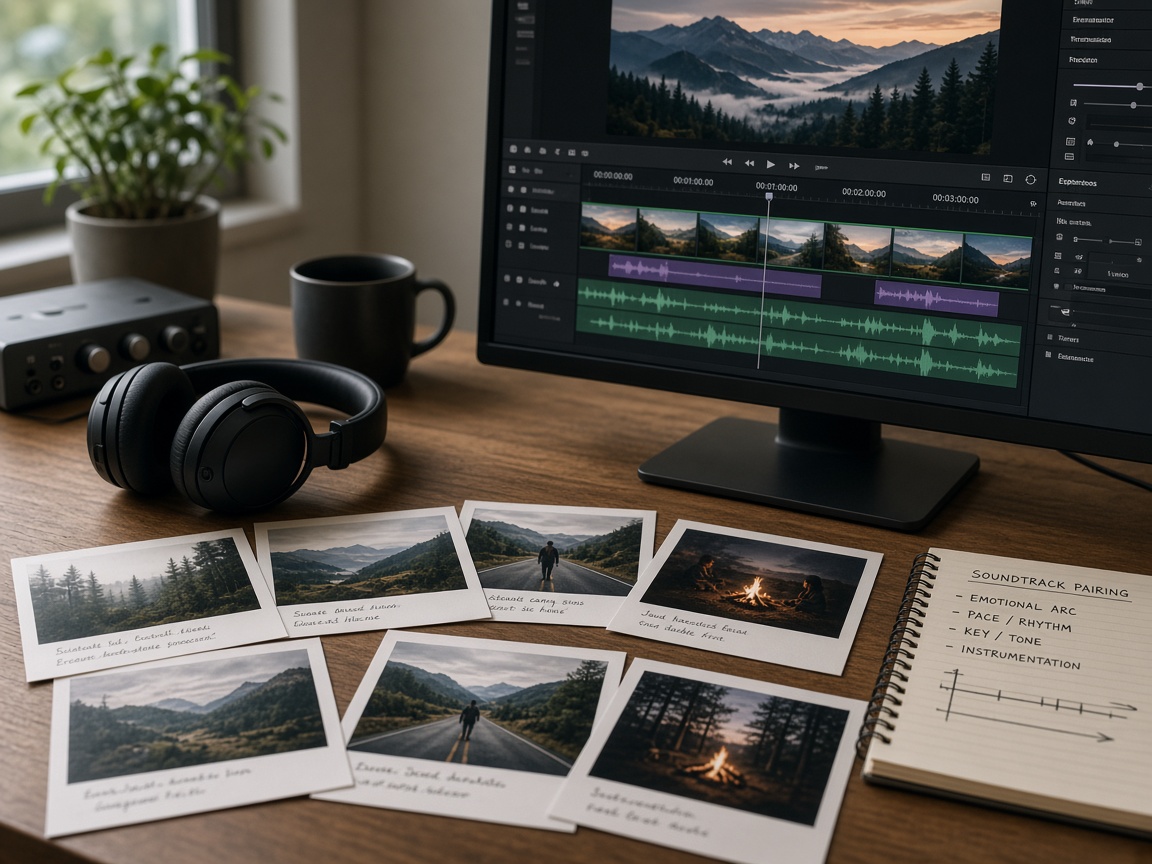
Choose music energy that matches visual mood: calm piano under nursery prints, brighter rhythms under sale carousels. Export images in the ratios your video editor needs, then place audio underneath. Keep voiceover levels above the bed; pretty music that buries speech helps no one.
Short-form video checklist
- Select 3–10 visuals and crop them consistently.
- Confirm image licenses for commercial posting if you promote a business.
- Select an audio track and read the Audio License.
- Edit timing so cuts land on beats without chaotic flash frames.
- Export and caption for accessibility.
Monetized platforms
YouTube, TikTok, and ads managers may have separate music rules. Even if SyntVision rights allow a use, a platform claim system can still flag content. Read both. When building client deliverables, document track name and license page URL beside the video file.
What not to do
- Repackage SyntVision audio into your own music stock site
- Ignore attribution or scope limits stated in the Audio License
- Assume a free download means unrestricted broadcast rights worldwide forever without reading
How to use this on SyntVision
Combine Audio + Gallery thoughtfully, edit visuals in Editor, keep project notes with both image and audio license references, and ask via Contact for unusual distributions.
If the Audio License page ever looks shorter than you expect in the browser, view it logged out and logged in, and trust the published legal text over third-party summaries.
Creators building courses should separate bed music from lecture clarity. Soft beds work; loud beds force students to quit.
For slideshows of print products, slower tempos usually feel more expensive. Match pace to price point.
Related reading: commercial image licensing and Library organization so your multimedia projects stay tidy and defensible.
Deeper practice notes
Great creative systems are boring on purpose. You repeat a short checklist until it becomes muscle memory: choose with intent, crop for the real placement, add as little decoration as needed, save a master, export a child file, confirm rights, publish, measure one metric, tidy Library. Whenever a step feels glamorous but unclear, return to that checklist.
Most failed projects skip selection. They grab the first colorful thumbnail, then try to invent margins that do not exist. Spend an extra minute in Gallery. The catalog is large enough that a better composition is usually a scroll away. Your Editor time should refine a good choice, not rescue a bad one.
Write the audience and the offer in plain language before you touch type tools. If you cannot say the message in one breath, the image will not say it either. Complexity belongs on the landing page. The creative’s job is recognition and clarity at a glance, especially on mobile data connections and small screens.
When you collaborate, document the product URL, the Library master name, and the export names used in ads or print. That tiny text file prevents legal and operational confusion later. If a platform asks where an asset came from, you answer in seconds instead of reconstructing history from memory.
Finally, protect your future self. Delete failed experiments. Keep masters without burned-in dates when you expect reuse. Review storage monthly. Upgrade plans because of evidence, not anxiety. SyntVision works best as a calm loop — Gallery, Editor, Library, publish — repeated with care.
Audio loudness and storytelling
Keep beds quieter than voice. Use short intros that do not delay the first visual hook. For silent autoplay environments, design visuals that still communicate without sound, then treat audio as enhancement. Captions remain mandatory for accessibility and for muted scrolling.
If a platform mutes or blocks a track, have a licensed backup ready. Dual preparation is professional, not pessimistic.
Return to the core loop whenever you feel stuck: browse Gallery with a job in mind, refine in Editor, archive masters in Library, confirm licenses, publish with restraint, and tidy files afterward. Repeating that loop with care will outperform any single “secret” setting inside an editing tool.
Additional practical reminder 1: slow down at selection, speed up at export naming, and never skip the license line because you are in a hurry. Hasty rights mistakes cost more than an extra minute of reading.
Additional practical reminder 2: slow down at selection, speed up at export naming, and never skip the license line because you are in a hurry. Hasty rights mistakes cost more than an extra minute of reading.
Additional practical reminder 3: slow down at selection, speed up at export naming, and never skip the license line because you are in a hurry. Hasty rights mistakes cost more than an extra minute of reading.
Additional practical reminder 4: slow down at selection, speed up at export naming, and never skip the license line because you are in a hurry. Hasty rights mistakes cost more than an extra minute of reading.
Additional practical reminder 5: slow down at selection, speed up at export naming, and never skip the license line because you are in a hurry. Hasty rights mistakes cost more than an extra minute of reading.
Use this guide as a living checklist. Revisit it after your next real project, note where you skipped a step, and adjust your habits. Small process improvements compound across every future export you make on SyntVision.
If you share feedback about confusing UI copy or license language, you help us make the product clearer for everyone. Practical questions from real creators shape better documentation than guesswork alone.
Use this guide as a living checklist after each project. Note friction, fix the habit, and keep shipping finished work. Clear process beats frantic tooling every time you create on SyntVision.