
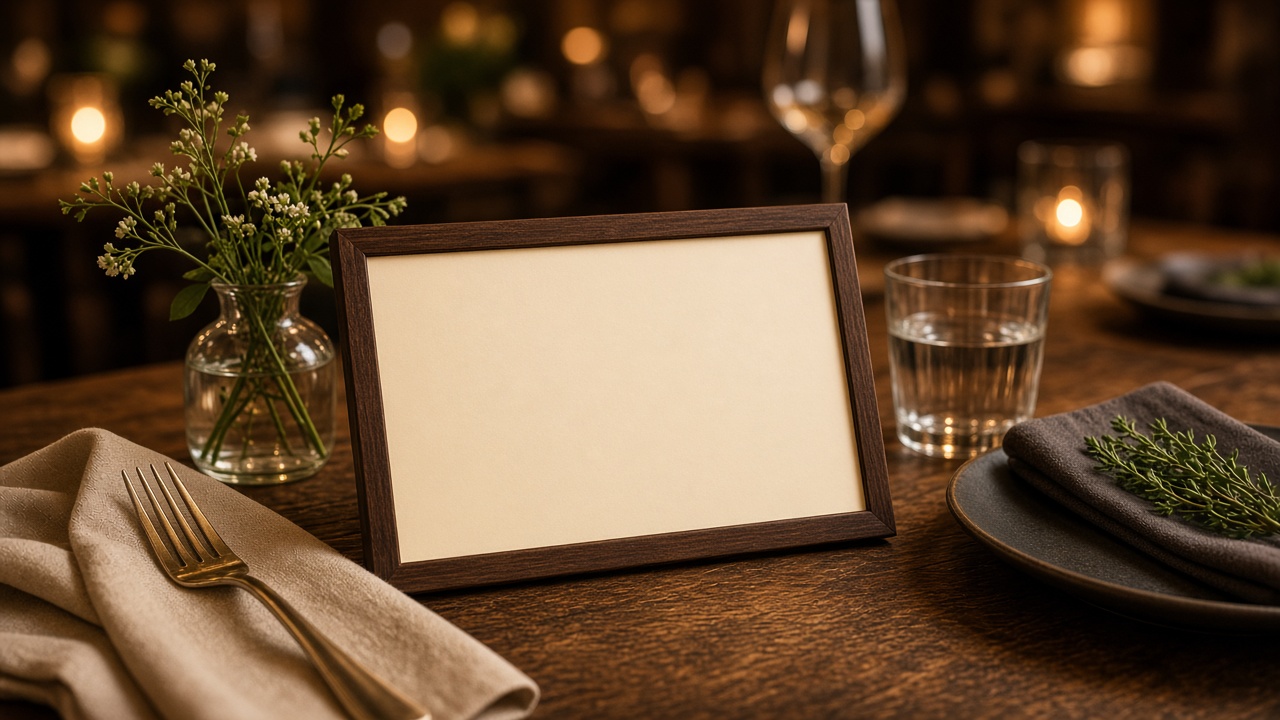
Restaurants live on repetition: lunch rush, weekly specials, seasonal cocktails, delivery app thumbnails. Custom photography for every special is ideal but rare. SyntVision Gallery food and dining scenes give small kitchens a credible starting point when you crop for readability and keep type minimal in Editor. This guide focuses on menus, in-store promos, and social posts that still feel on-brand.
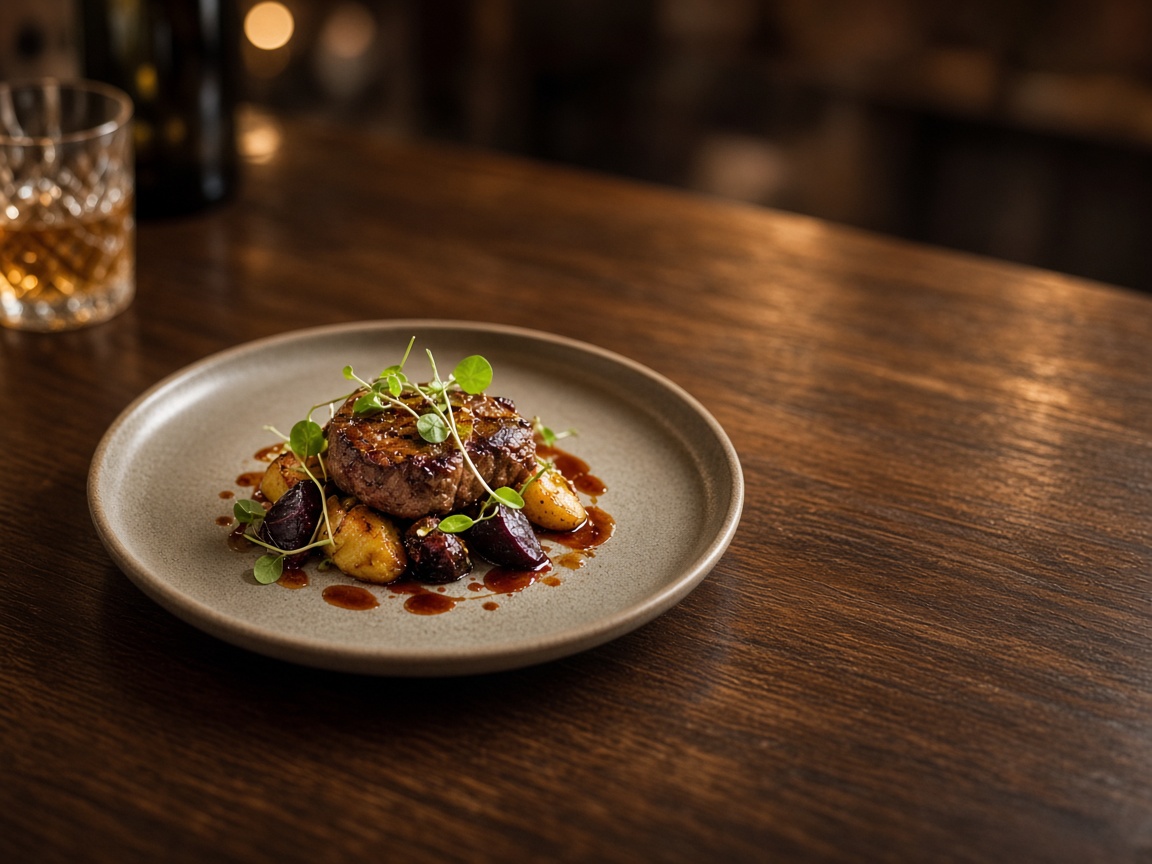
Pick images that match your actual offer
Gallery pasta should not advertise sushi unless you intentionally serve fusion.
Guests trust photos that resemble what arrives. Mood match matters as much as pixel quality.
Menu layout hierarchy
Section titles largest, dish names clear, descriptions shorter than you want.
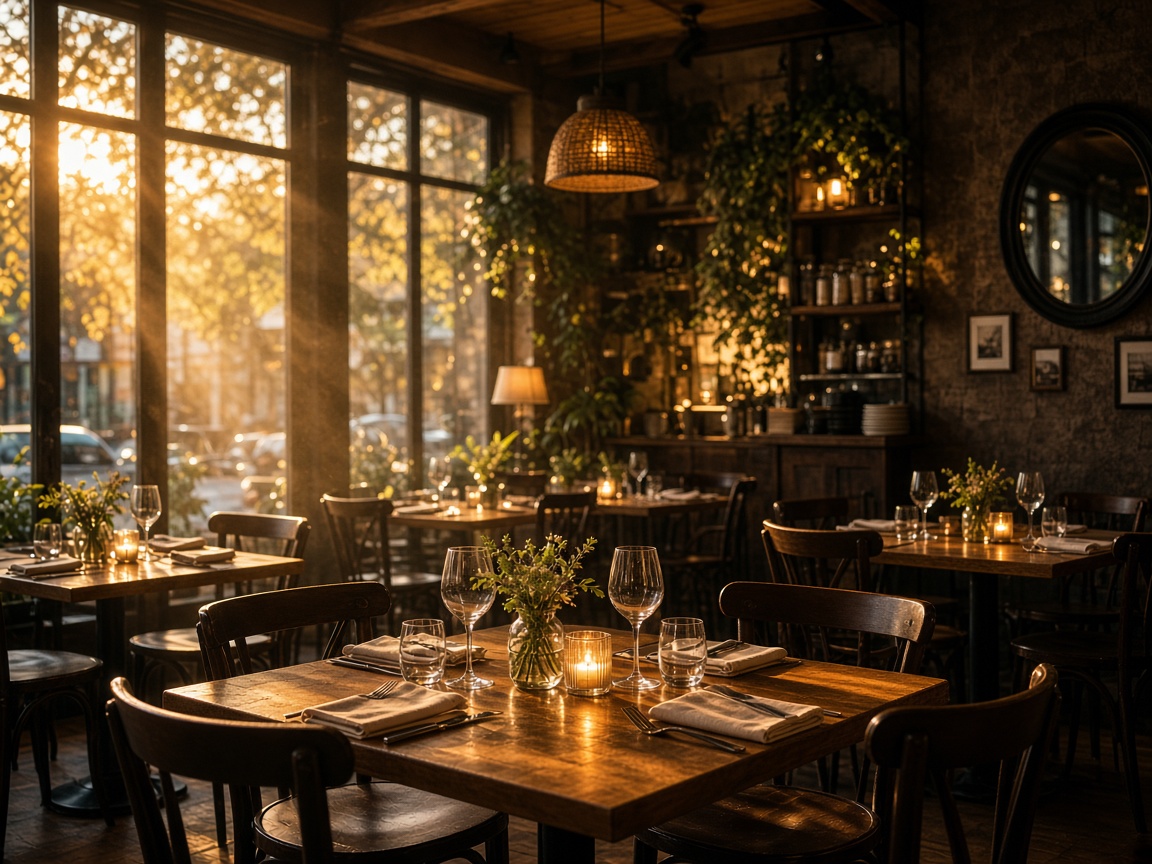
Use Gallery images as section dividers or hero bands, not behind every line of body copy.
- One hero image per page or panel
- Dark scrim if type sits on food photography
- Prices aligned for scannability
Promo and Story templates
Duplicate a Library master for Tuesday taco night and Thursday wine pairing.
Change only headline and date; keep fonts and scrim identical for brand rhythm.
Delivery app and map listings
Square crops often dominate thumbnails. Center the plate; avoid cropping steam or garnish oddly.
Save exports sized to each platform spec in organized folders.
Commercial use reminder
Paid boosts and printed menus are commercial. Read license lines on each product page before printing fifty table tents.
Speed workflow for busy weeks
- Batch-browse Gallery once.
- Build three masters in Editor.
- Export feed, Story, and print PDF handoff.
- Archive to Library before the dinner shift.
How to use this on SyntVision
Browse matching visuals in the SyntVision Gallery, open a favorite image in the SyntVision Editor to crop, add text, or export, and keep private edits in your account Library. Check each product page for license details before commercial use.
Label Library files by location if you manage multiple venues so staff pick the right master.
Allergens, pricing, and legal lines
Food imagery attracts; small print carries duty. Keep allergen notes and price disclaimers in readable type separate from decorative script. If space is tight, use the caption on social posts or a linked menu PDF rather than shrinking critical text onto the photo.
Happy hour and alcohol promos may need age or location disclaimers depending on region—verify local rules before publishing.
Seasonal menu rotations
Build winter and summer Library folders with Gallery bases that share table styling so swaps take minutes. Update only dish names and prices on duplicated Editor files; backgrounds stay familiar to regulars.
Staff-generated content guardrails
Give shift managers one approved template and three allowed Gallery categories to pick from. Freedom within rails prevents off-brand neon specials that marketing must fix at midnight.
Deeper practice notes
Great creative systems are boring on purpose. You repeat a short checklist until it becomes muscle memory: choose with intent, crop for the real placement, add as little decoration as needed, save a master, export a child file, confirm rights, publish, measure one metric, tidy Library. Whenever a step feels glamorous but unclear, return to that checklist.
Most failed projects skip selection. They grab the first colorful thumbnail, then try to invent margins that do not exist. Spend an extra minute in Gallery. The catalog is large enough that a better composition is usually a scroll away. Your Editor time should refine a good choice, not rescue a bad one.
Write the audience and the offer in plain language before you touch type tools. If you cannot say the message in one breath, the image will not say it either. Complexity belongs on the landing page. The creative’s job is recognition and clarity at a glance, especially on mobile data connections and small screens.
When you collaborate, document the product URL, the Library master name, and the export names used in ads or print. That tiny text file prevents legal and operational confusion later. If a platform asks where an asset came from, you answer in seconds instead of reconstructing history from memory.
Finally, protect your future self. Delete failed experiments. Keep masters without burned-in dates when you expect reuse. Review storage monthly. Upgrade plans because of evidence, not anxiety. SyntVision works best as a calm loop — Gallery, Editor, Library, publish — repeated with care.
Pre-publish checklist for this workflow
Re-read your brief for “Restaurant Menu and Promo Creatives from Gallery” and confirm the export matches the channel you named—not a convenient ratio that happened to be open in Editor.
Open Gallery only when the current Library master cannot be cropped or typed into shape; swapping backgrounds mid-campaign breaks audience recognition.
Store the approved file in Library with campaign or event names before uploading to schedulers, email tools, or print vendors.
If results disappoint, test headline or audience changes before assuming the background failed—many creatives underperform for copy reasons while the Gallery pick was sound.
Documentation habits
Note the Gallery product URL, export date, and designer initials in a one-line readme. Months later, that line answers licensing and reprint questions without guessing.
When collaborators ask which asset supplied a background, answer from filenames and notes, not memory. Handoffs stay calm when evidence is obvious.
Storage and plan reality
Variant exports accumulate quickly when one master feeds several ratios. Review Library monthly, delete failed drafts, and open billing only when storage trends justify a change—not every single export.
Upgrade plans because of measured need: recurring batch work, client volume, or retained masters—not because one busy week created temporary clutter you can prune.
Return to the core loop whenever you feel stuck: browse Gallery with a job in mind, refine in Editor, archive masters in Library, confirm licenses, publish with restraint, and tidy files afterward. Repeating that loop with care will outperform any single trick inside an editing tool.
Use this guide as a living checklist. Revisit it after your next real project, note where you skipped a step, and adjust your habits. Small process improvements compound across every future export you make on SyntVision.