
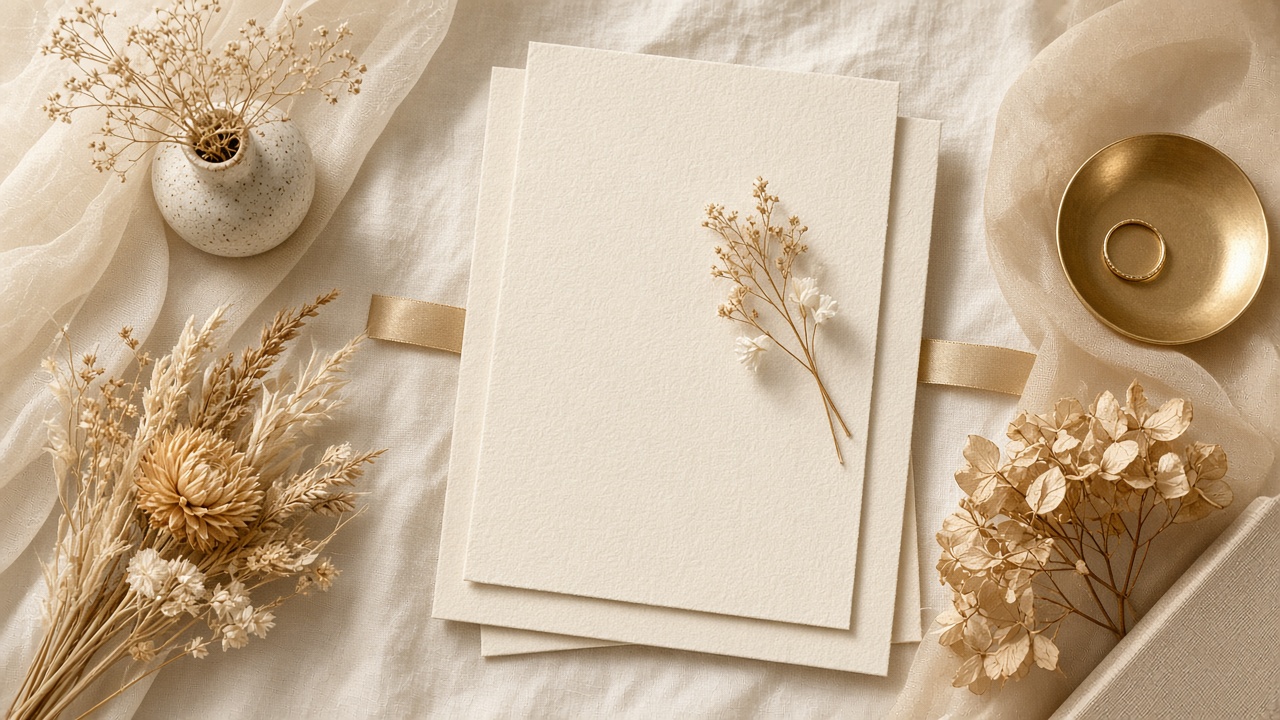
Wedding invitations and save-the-date graphics sit between emotion and logistics. Guests need names, dates, and locations at a glance; couples want tone—formal, rustic, modern, playful. SyntVision Gallery includes florals, soft portraits, and celebration scenes that adapt well when you respect typography and margins in Editor. This guide covers selection, type, and export for digital sends and small print runs.
Lead with tone, then search categories
Decide mood before keyword soup: garden formal, city chic, minimalist, festive.
Browse Gallery wedding and celebration categories with that filter. Mismatch is obvious on paper.
Save-the-date vs formal invitation
Save-the-dates can be bolder and simpler—large date, short names, one strong image.
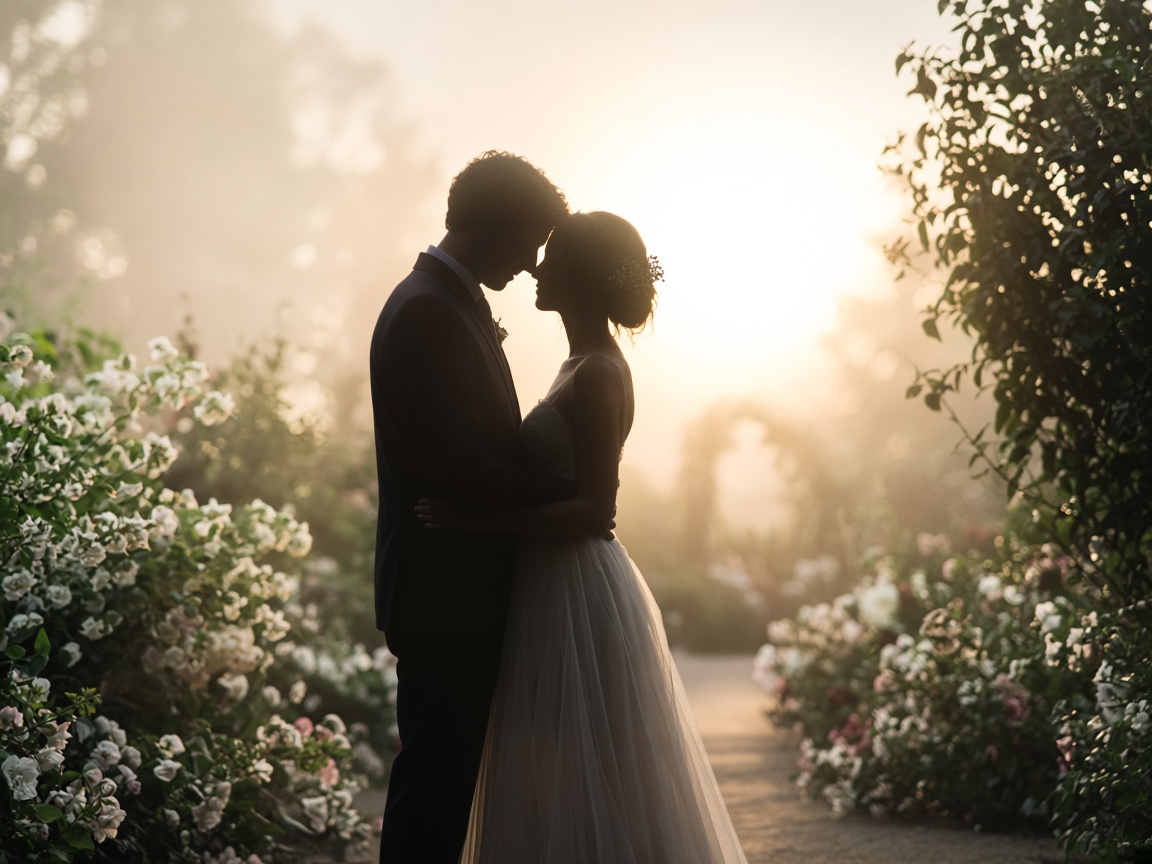
Formal invites need hierarchy: hosts, names, date, venue, dress code if any. Fewer words on the art; details can live on the back or website.
- Keep faces unobstructed by script fonts
- Avoid ultra-thin type for older guests
- Proof spelling twice before print
Margins and bleed for print
Digital previews lie about edge safety. Leave quiet space where trim may vary.
Export a high-resolution master to Library before sending to a print shop or template site.
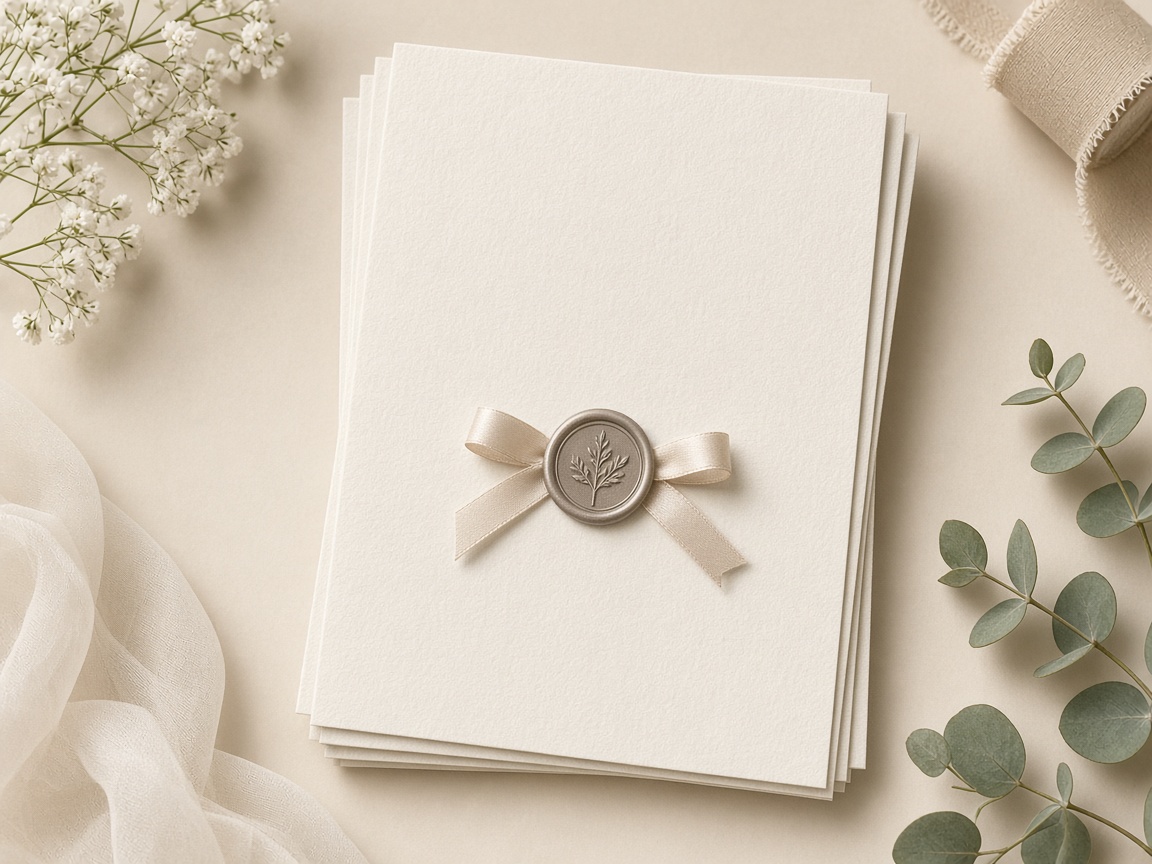
Digital sharing workflow
- Crop for email header or Story vertical.
- Export JPG under provider size limits.
- Send test to wedding party phones.
- Archive final in Library with date in filename.
Licenses and vendors
If a planner or stationer resells design, confirm commercial terms on the SyntVision product page.
Share the product URL in your job folder so reprints next year stay compliant.
Seasonal and cultural sensitivity
Choose symbols and colors appropriate to the couple and event.
When in doubt, softer botanicals and neutral palettes offend least and reprint best.
How to use this on SyntVision
Browse matching visuals in the SyntVision Gallery, open a favorite image in the SyntVision Editor to crop, add text, or export, and keep private edits in your account Library. Check each product page for license details before commercial use.
Store a clean master without year digits when you expect anniversary reuse; clone dated versions for each event.
Matching day-of materials
Reuse the same Gallery palette on menus and thank-you cards by duplicating Library masters—guests notice cohesion.
Typography pairs that suit weddings
One script or serif accent plus one simple sans for names and dates is enough. Mixing three decorative fonts reads like a template pack. In Editor, align baselines carefully—crooked names on formal invites feel careless even when the photo is beautiful.
For bilingual invitations, stack languages with clear size hierarchy rather than side-by-side competition at the same weight.
Proofing timelines with vendors
Send stationers a print-resolution export at least ten days before you need proofs back. Include bleed notes in email, not only on the image. Save the approved PDF name in Library next to the SyntVision master so reorders match the first print run.
Digital save-the-date etiquette
Keep file sizes reasonable for email; link to a website for maps and registries instead of shrinking type to fit everything on one JPG. Guests on phones thank you for large dates and one tap to details.
Deeper practice notes
Great creative systems are boring on purpose. You repeat a short checklist until it becomes muscle memory: choose with intent, crop for the real placement, add as little decoration as needed, save a master, export a child file, confirm rights, publish, measure one metric, tidy Library. Whenever a step feels glamorous but unclear, return to that checklist.
Most failed projects skip selection. They grab the first colorful thumbnail, then try to invent margins that do not exist. Spend an extra minute in Gallery. The catalog is large enough that a better composition is usually a scroll away. Your Editor time should refine a good choice, not rescue a bad one.
Write the audience and the offer in plain language before you touch type tools. If you cannot say the message in one breath, the image will not say it either. Complexity belongs on the landing page. The creative’s job is recognition and clarity at a glance, especially on mobile data connections and small screens.
When you collaborate, document the product URL, the Library master name, and the export names used in ads or print. That tiny text file prevents legal and operational confusion later. If a platform asks where an asset came from, you answer in seconds instead of reconstructing history from memory.
Finally, protect your future self. Delete failed experiments. Keep masters without burned-in dates when you expect reuse. Review storage monthly. Upgrade plans because of evidence, not anxiety. SyntVision works best as a calm loop — Gallery, Editor, Library, publish — repeated with care.
Pre-publish checklist for this workflow
Re-read your brief for “Wedding Invitation and Save-the-Date Visuals” and confirm the export matches the channel you named—not a convenient ratio that happened to be open in Editor.
Open Gallery only when the current Library master cannot be cropped or typed into shape; swapping backgrounds mid-campaign breaks audience recognition.
Store the approved file in Library with campaign or event names before uploading to schedulers, email tools, or print vendors.
If results disappoint, test headline or audience changes before assuming the background failed—many creatives underperform for copy reasons while the Gallery pick was sound.
Documentation habits
Note the Gallery product URL, export date, and designer initials in a one-line readme. Months later, that line answers licensing and reprint questions without guessing.
When collaborators ask which asset supplied a background, answer from filenames and notes, not memory. Handoffs stay calm when evidence is obvious.
Storage and plan reality
Variant exports accumulate quickly when one master feeds several ratios. Review Library monthly, delete failed drafts, and open billing only when storage trends justify a change—not every single export.
Upgrade plans because of measured need: recurring batch work, client volume, or retained masters—not because one busy week created temporary clutter you can prune.
Return to the core loop whenever you feel stuck: browse Gallery with a job in mind, refine in Editor, archive masters in Library, confirm licenses, publish with restraint, and tidy files afterward. Repeating that loop with care will outperform any single trick inside an editing tool.
Use this guide as a living checklist. Revisit it after your next real project, note where you skipped a step, and adjust your habits. Small process improvements compound across every future export you make on SyntVision.