
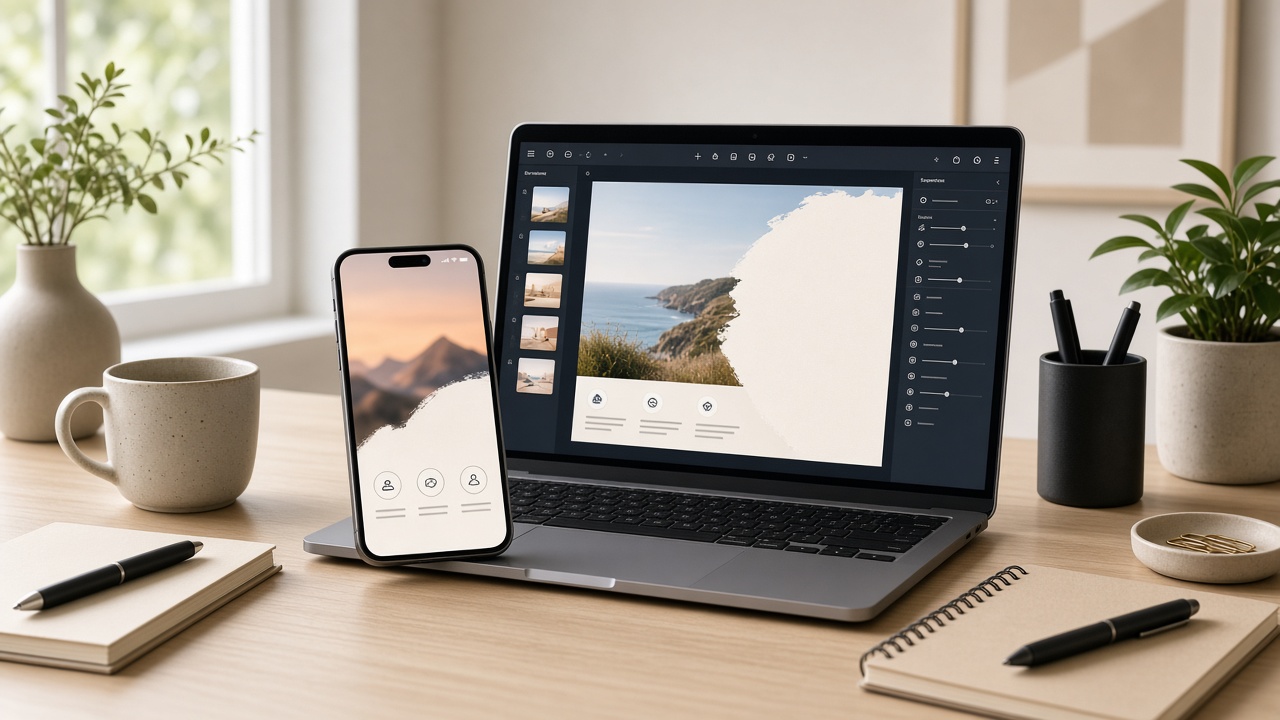
This is the end-to-end playbook: take one SyntVision image from download to a published Facebook or Instagram ad. Follow it once slowly; afterward you can run it in under fifteen minutes for routine campaigns.
Before you start
- Know the offer in one sentence
- Know the channel (Feed, Story, both)
- Know whether the post is organic or paid (paid = commercial scrutiny)
- Have your account login ready for Editor and Library
Step 1 — Pick the image
In Gallery, find a frame with room for your sentence. Save the product URL in your notes. Read the license block.
Step 2 — Open Editor and crop
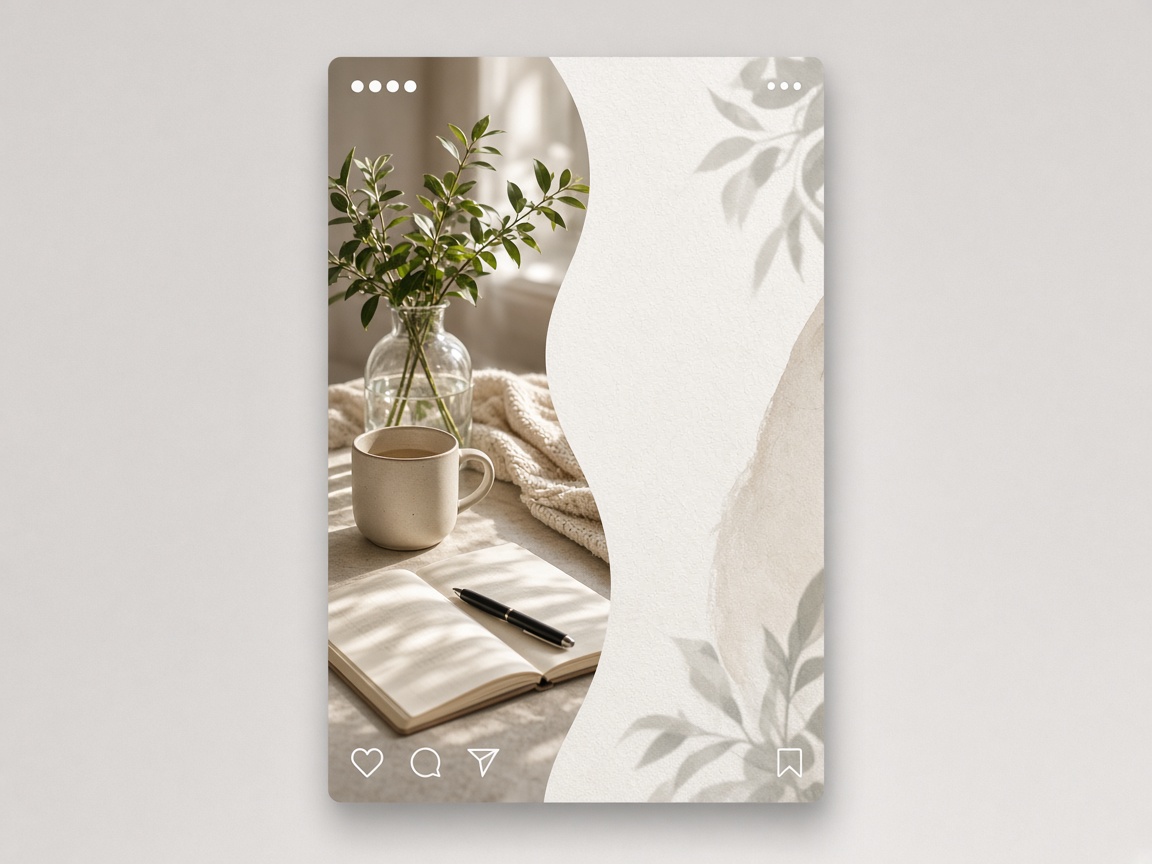
Launch SyntVision Editor. Crop to the ad ratio first. For many Instagram feed placements a portrait works; Stories need fuller vertical. Do not place type yet.
Step 3 — Add one message
Type the offer in plain language. Add a short supporting line only if needed. Check readability at phone size. Remove anything decorative that competes with the words.
Step 4 — Save and export
Save a master to Library. Export the channel file with a clear name including date and placement.
Step 5 — Publish in Meta’s flow
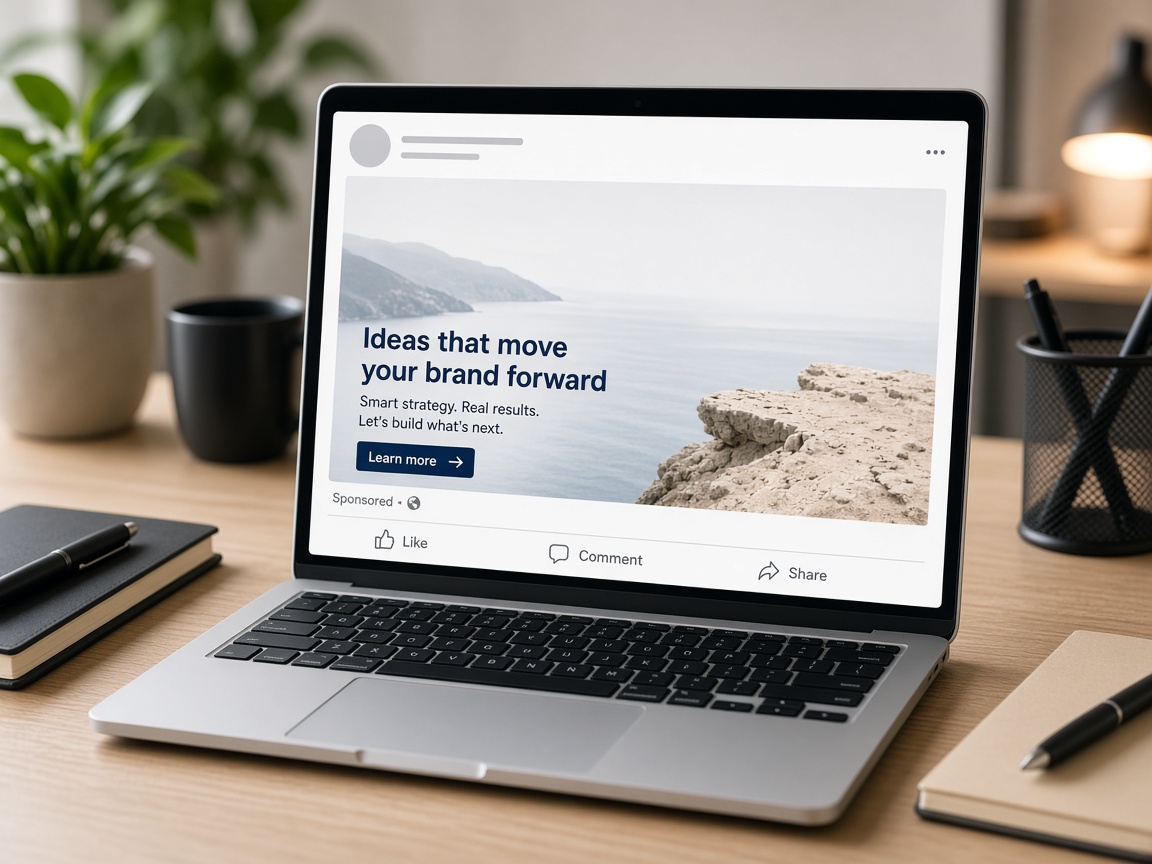
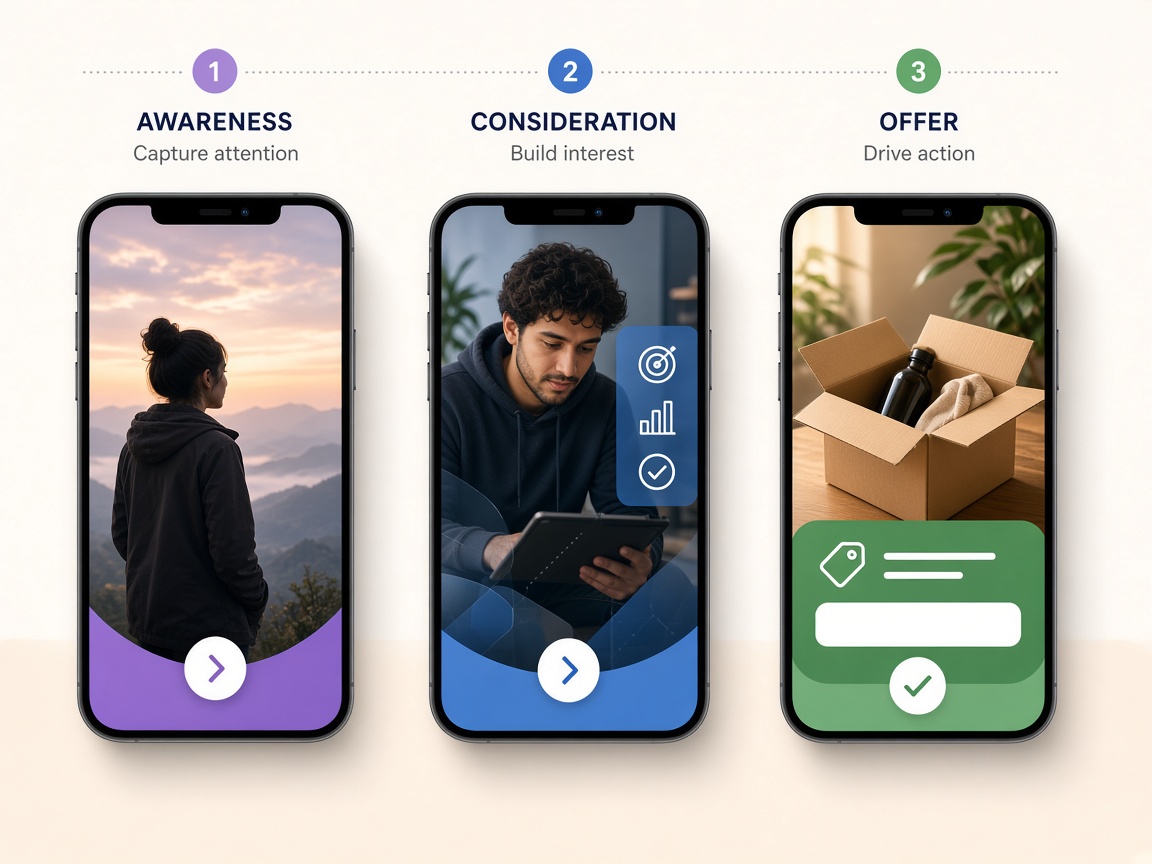
Upload to Ads Manager or organic publishing. Use platform CTA buttons rather than fake buttons painted on the image when possible. Match primary text to the image message so people do not feel baited.
Step 6 — Measure one thing
After 48–72 hours, look at one primary metric you chose in advance: CTR, cost per message, purchases, or profile visits. Change one creative variable next iteration.
Troubleshooting
- Text rejected / looks spammy: reduce exclamation marks and clutter.
- Soft image: start from a better source or upscale only if plan/credits allow after crop.
- Wrong crop on mobile: rebuild from Library master at the correct ratio.
- Rights worry: stop boosts until license is confirmed.
How to use this on SyntVision
Gallery → Editor → Library → publish. Visit Billing only if storage or AI tools block the path. Re-read commercial licensing if the ad promotes a business.
Print this checklist the first two times you run it. Muscle memory comes from repetition, not from screenshots of other brands’ ads.
When the first ad works, duplicate the Library master and test a new headline before you test a completely new image. Orderly testing stretches both budget and taste.
If you are new to paid social, start with a small budget and a clear landing destination. Creative quality cannot fix a broken link.
You now have a complete SyntVision loop — the same loop our other guides deepen for print, rights, audio, and organization. Use them when a specific step gets hard, and keep shipping finished work.
Deeper practice notes
Great creative systems are boring on purpose. You repeat a short checklist until it becomes muscle memory: choose with intent, crop for the real placement, add as little decoration as needed, save a master, export a child file, confirm rights, publish, measure one metric, tidy Library. Whenever a step feels glamorous but unclear, return to that checklist.
Most failed projects skip selection. They grab the first colorful thumbnail, then try to invent margins that do not exist. Spend an extra minute in Gallery. The catalog is large enough that a better composition is usually a scroll away. Your Editor time should refine a good choice, not rescue a bad one.
Write the audience and the offer in plain language before you touch type tools. If you cannot say the message in one breath, the image will not say it either. Complexity belongs on the landing page. The creative’s job is recognition and clarity at a glance, especially on mobile data connections and small screens.
When you collaborate, document the product URL, the Library master name, and the export names used in ads or print. That tiny text file prevents legal and operational confusion later. If a platform asks where an asset came from, you answer in seconds instead of reconstructing history from memory.
Finally, protect your future self. Delete failed experiments. Keep masters without burned-in dates when you expect reuse. Review storage monthly. Upgrade plans because of evidence, not anxiety. SyntVision works best as a calm loop — Gallery, Editor, Library, publish — repeated with care.
After publish: creative ops
Save the ad ID, audience notes, and creative filename in one sheet. Next time you build a variant, you will know what you already tried. Without notes, teams repeat losers and call it intuition.
Schedule a monthly creative retrospective: which Gallery categories converted, which headlines failed, which ratios wasted spend. Then adjust your default checklist. That is how a simple SyntVision workflow becomes a small growth engine.
Return to the core loop whenever you feel stuck: browse Gallery with a job in mind, refine in Editor, archive masters in Library, confirm licenses, publish with restraint, and tidy files afterward. Repeating that loop with care will outperform any single “secret” setting inside an editing tool.
Additional practical reminder 1: slow down at selection, speed up at export naming, and never skip the license line because you are in a hurry. Hasty rights mistakes cost more than an extra minute of reading.
Additional practical reminder 2: slow down at selection, speed up at export naming, and never skip the license line because you are in a hurry. Hasty rights mistakes cost more than an extra minute of reading.
Additional practical reminder 3: slow down at selection, speed up at export naming, and never skip the license line because you are in a hurry. Hasty rights mistakes cost more than an extra minute of reading.
Additional practical reminder 4: slow down at selection, speed up at export naming, and never skip the license line because you are in a hurry. Hasty rights mistakes cost more than an extra minute of reading.
Additional practical reminder 5: slow down at selection, speed up at export naming, and never skip the license line because you are in a hurry. Hasty rights mistakes cost more than an extra minute of reading.
Use this guide as a living checklist. Revisit it after your next real project, note where you skipped a step, and adjust your habits. Small process improvements compound across every future export you make on SyntVision.
If you share feedback about confusing UI copy or license language, you help us make the product clearer for everyone. Practical questions from real creators shape better documentation than guesswork alone.