Professional Timeline
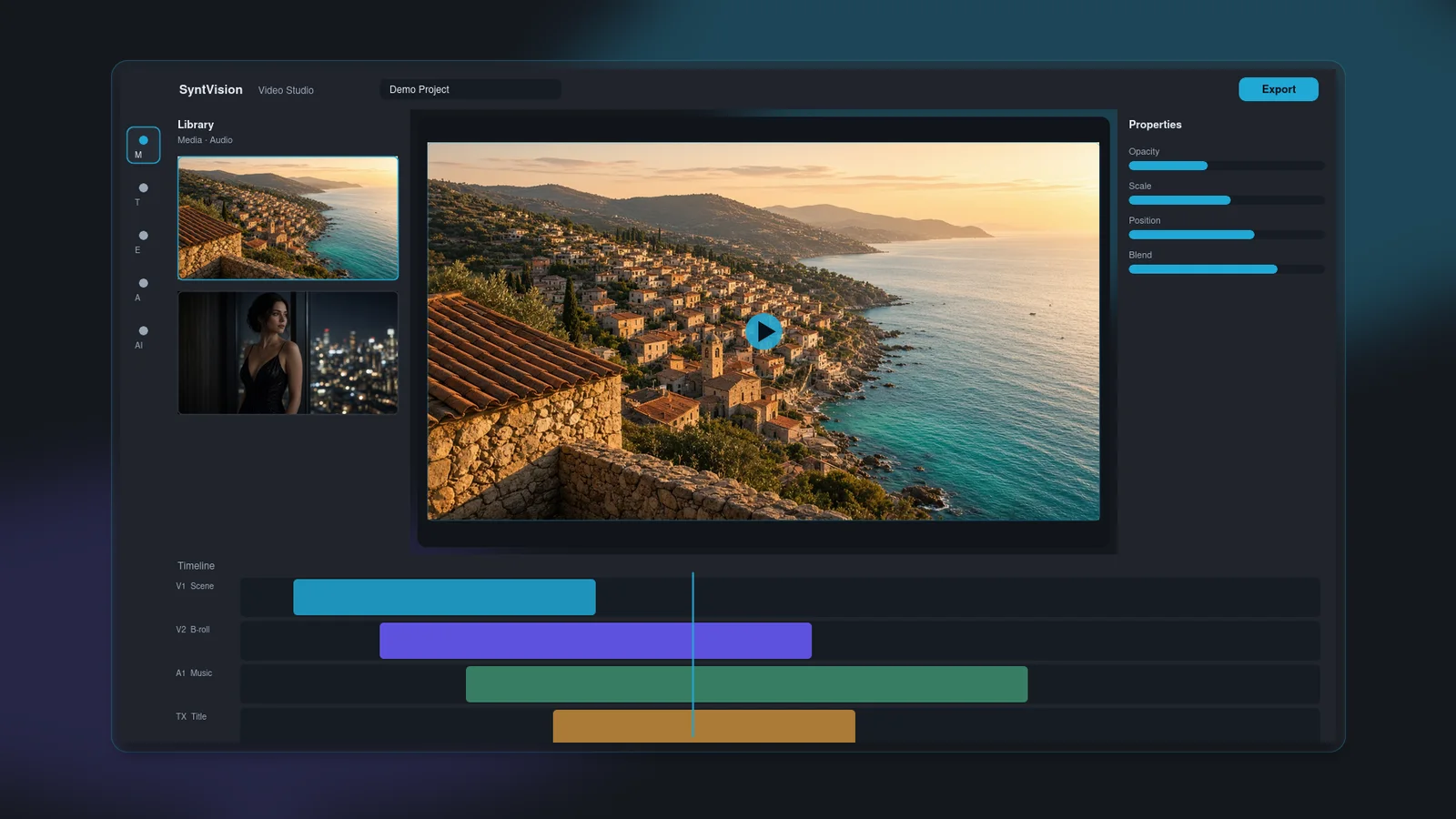
Arrange, trim, and organize clips in a multi-track workspace.

SyntVision Video Studio
Edit, animate, and bring your ideas to life with SyntVision Video Studio — a powerful creative workspace built for video storytelling.
Capabilities
Core tools for arranging media, shaping motion, and finishing your story.
Arrange, trim, and organize clips in a multi-track workspace.
Connect scenes with creative transitions and precise timing.
Animate titles, graphics, and visual elements.
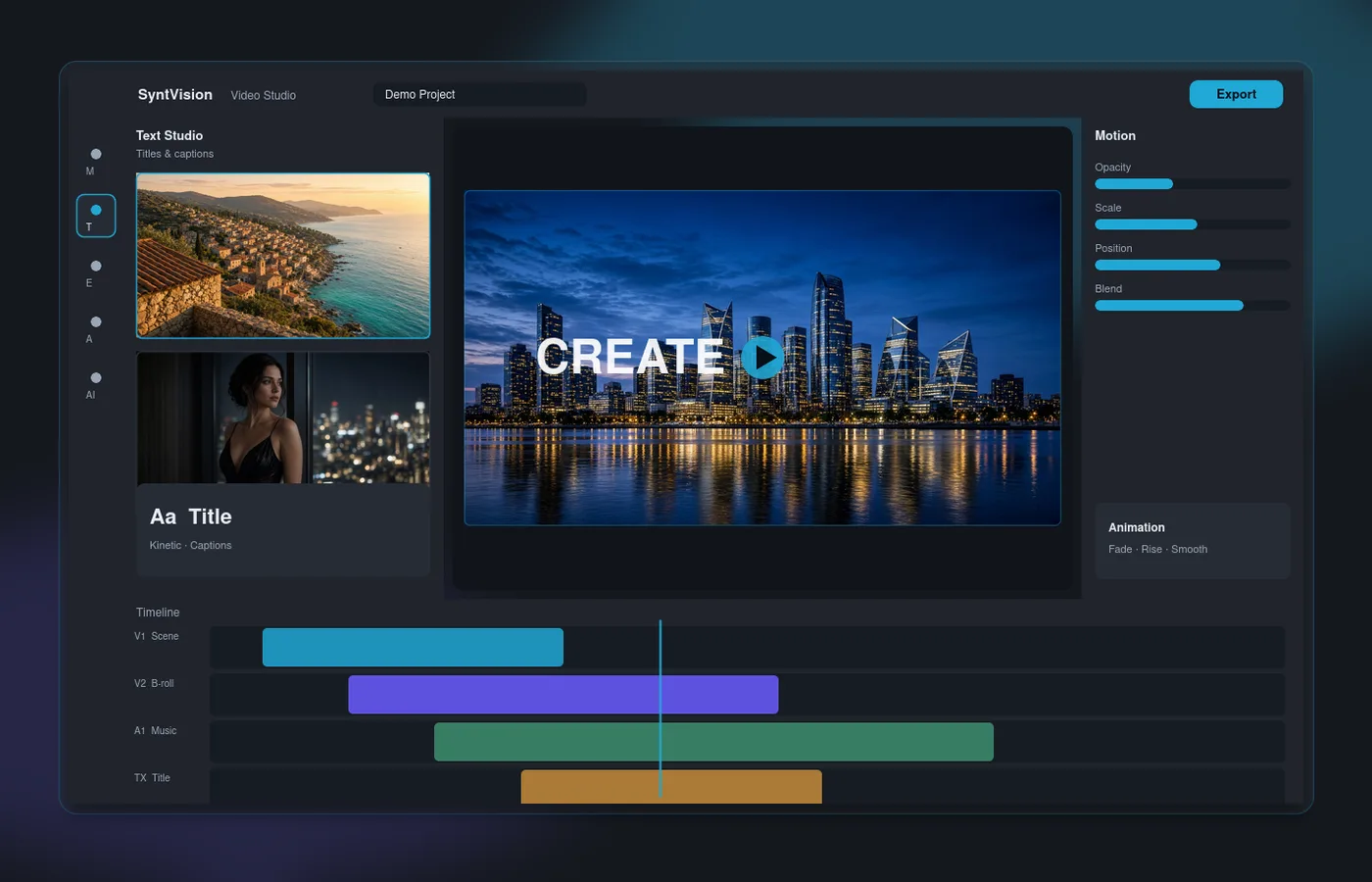
Create titles, animated typography, and captions.
Explore creative effects, filters, and color adjustments.
Work with audio tracks, music, and sound controls.
Build videos with editable layouts and reusable creative elements.
Analyze footage and review suggested editing actions.
Workspace
A focused editing environment for timeline control, creative tools, and finishing.
01
Shape your story on a flexible timeline — trim clips, layer tracks, and keep pacing under precise control.
02
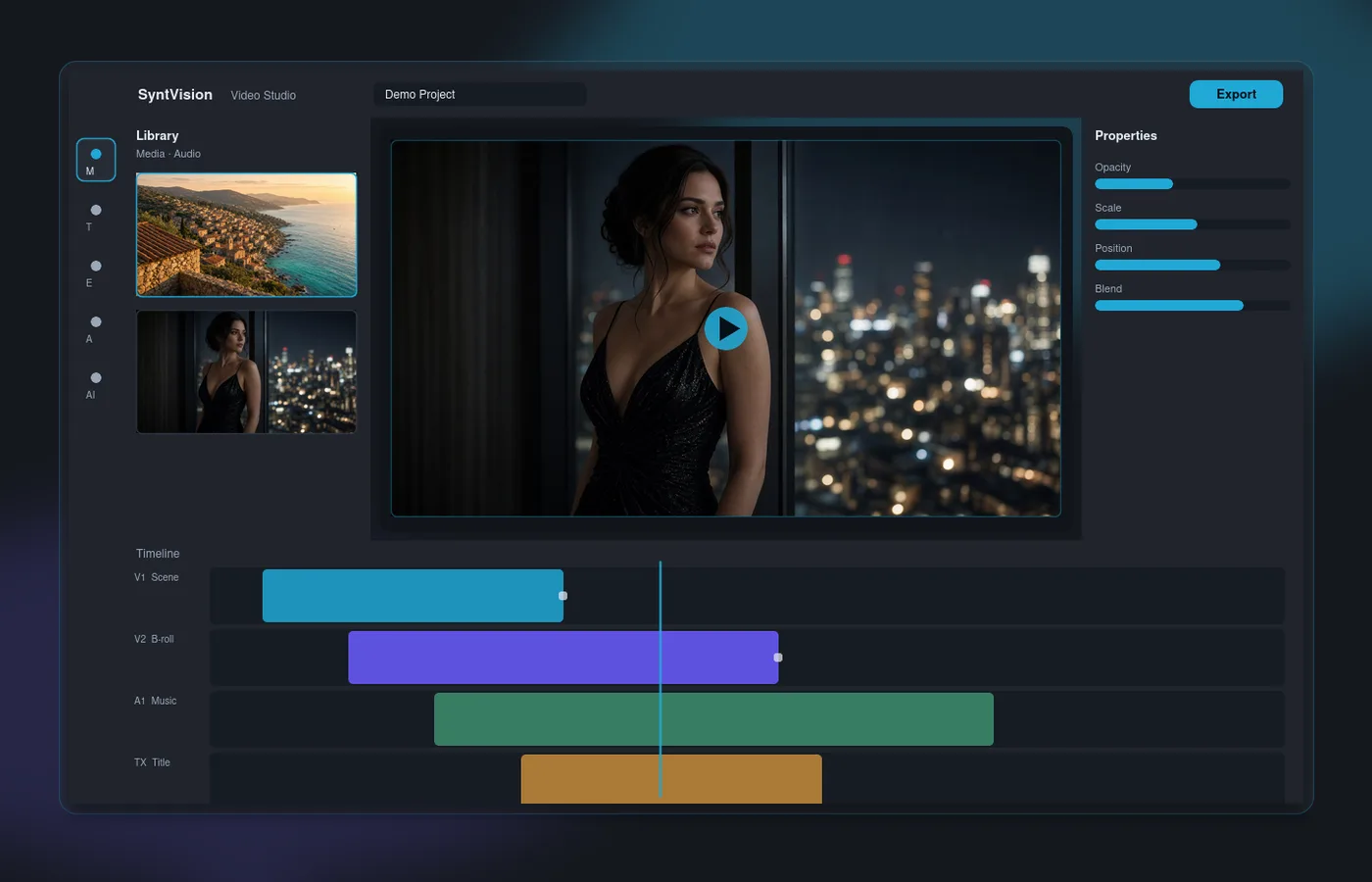
Combine transitions, motion, text, and effects to build scenes that feel intentional — not templated by default.
03
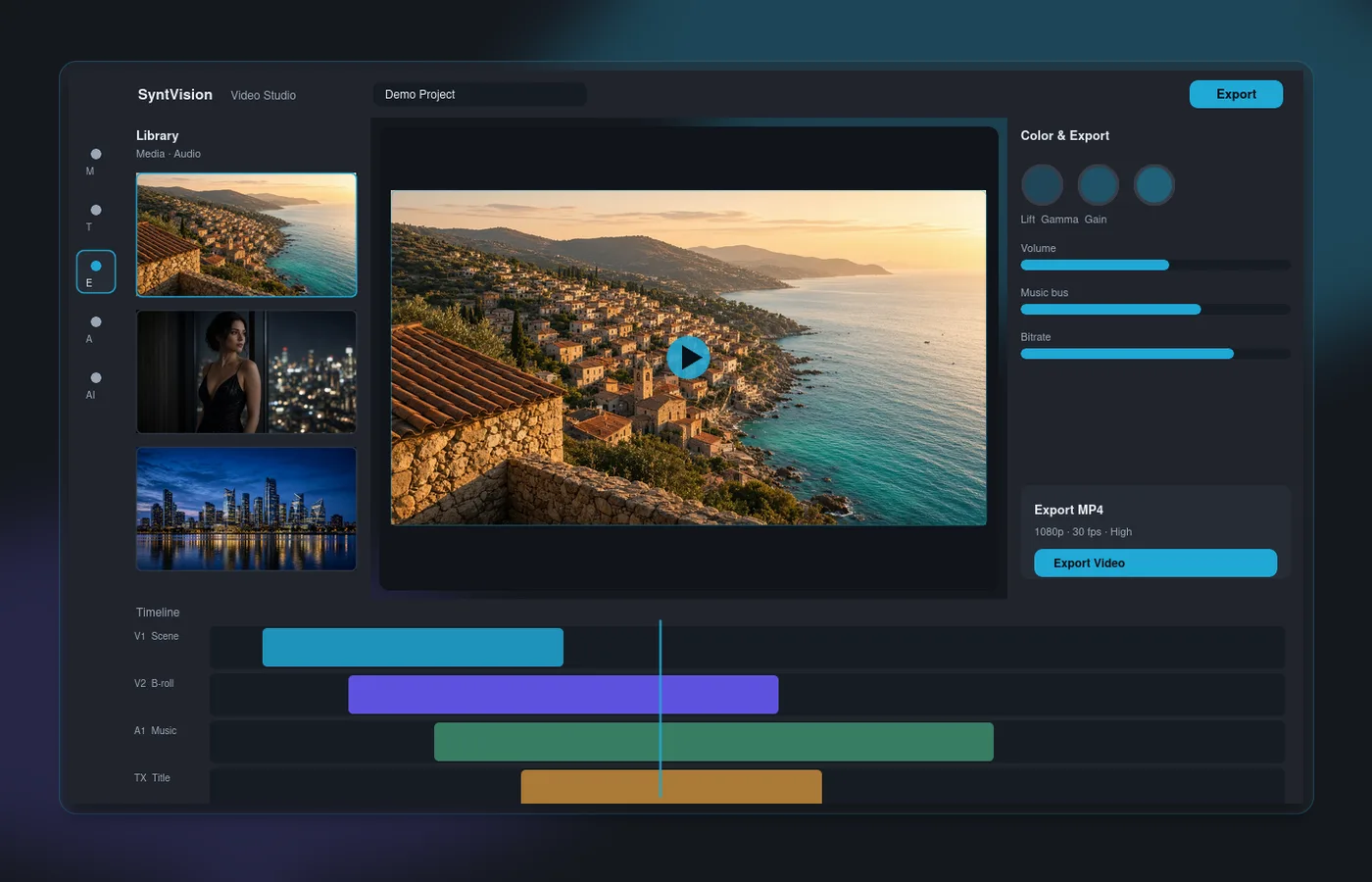
Refine color and look, preview your sequence, then export a finished MP4 from your browser when you are ready.
Ready to open the workspace?
Create Your VideoAssisted workflows
Helpful planning and analysis tools inside Video Studio. Results depend on your media and how you apply each tool.
Use cases
Craft short vertical or landscape clips with text, motion, and music for social storytelling.
Build promo sequences, product stories, and campaign cuts with clear messaging on screen.
Pair audio with imagery and motion for music-driven montages and visual narratives.
Experiment with compositions, effects, and title design for personal or client work.
Getting started
Platform
Video Studio sits alongside the broader SyntVision creative platform.
Edit still images in the browser with crop, text, stickers, filters, and export tools.
Explore the Image EditorBrowse the gallery for creatives you can use as stills and visual building blocks in your projects.
Browse SyntVision ImagesExplore royalty-free tracks and audio you can bring into your video workspace.
Browse SyntVision AudioFAQ
SyntVision Video Studio is a browser-based creative workspace for editing video timelines with media, text, transitions, effects, and audio.
No desktop install is required. You open Video Studio in your browser. An account is only needed when you want to save the project.
Yes. The Video Studio editor runs in the browser as a fullscreen creative workspace on supported desktop browsers.
Yes. You can work with audio tracks, titles and captions, and a library of creative transitions between clips.
Yes. You can create short-form and landscape videos suited for social storytelling. Publishing to social platforms is done with your own tools after export.
No. Guests can edit and export. An account saves the project. An Editor Pro subscription unlocks the advanced AI tools.
Choose Start Creating. The editor opens immediately. Log in when you want the project saved to your account.
Export rendering runs in your browser and produces an MP4 download for playback in a normal video player.
Turn your ideas into compelling visual stories with SyntVision Video Studio.