
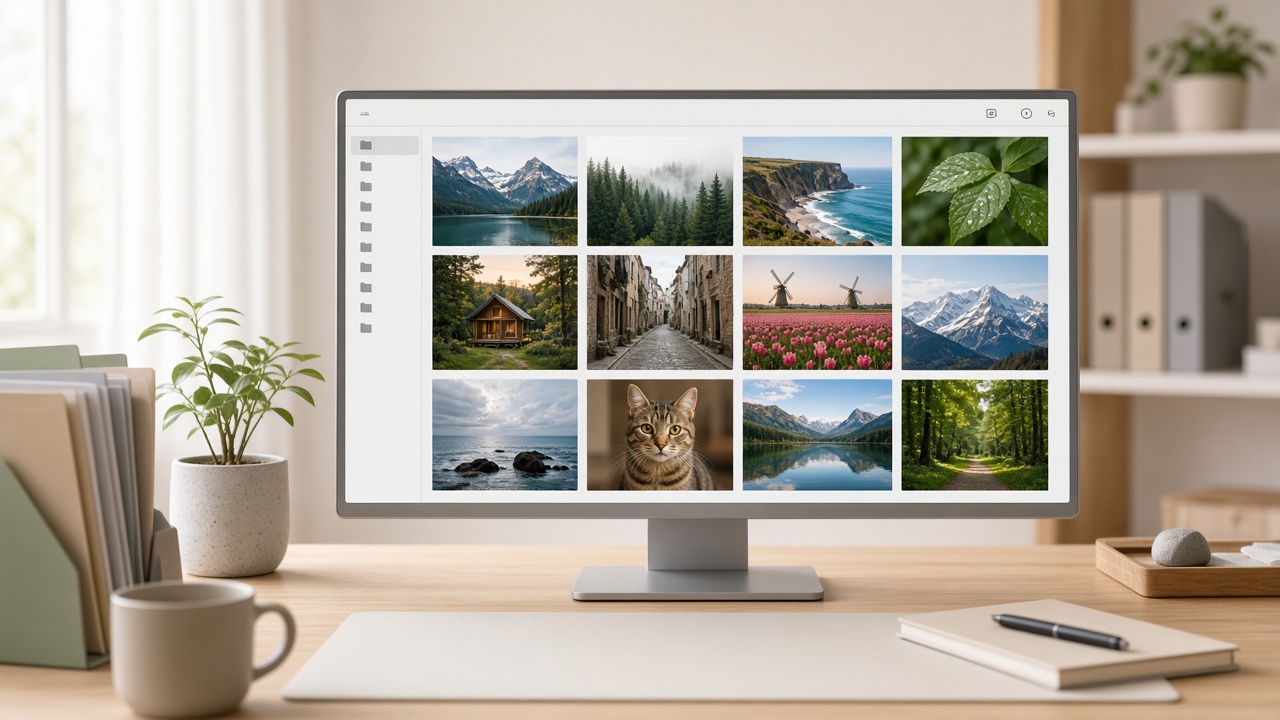
Your SyntVision Library is private storage for edits you care about. Without a system, it becomes a junk drawer of export-final-v7 files. This guide shows a lightweight organization method that works on Free or Pro: naming, folders, what to keep, what to delete, and how storage limits should influence your habits.

What Library is (and is not)
Library is not the public Gallery. Gallery is the catalog everyone can browse. Library holds your account’s saved images and edits. Think of it as a small personal vault tied to login, plan, and storage quota.
A naming scheme you will still understand in six months
Use: project-topic-ratio-version. Examples:
acme-spring-story-v1nursery-moon-2x3-masteryt-thumb-podcast-sq
Avoid emotional filenames. Future you will not remember what “USE THIS ONE!!!” meant.
Folders without over-engineering
If folders are available in your Library UI, create a few durable buckets: Clients, Personal, Experiments, Print Masters. Do not create a folder per day. Too many folders becomes another place to get lost.
Unfiled is fine as an inbox — as long as you empty it weekly.
What to keep
- Clean masters without campaign-dated text
- Approved client finals
- Print-proofed versions
- Templates you reuse monthly
What to delete
- Near-duplicate crops
- Failed AI experiments
- Expired promo graphics you will never rerun
- Blurry accidents
Deleting is a creative skill. Storage is not a museum of every click.
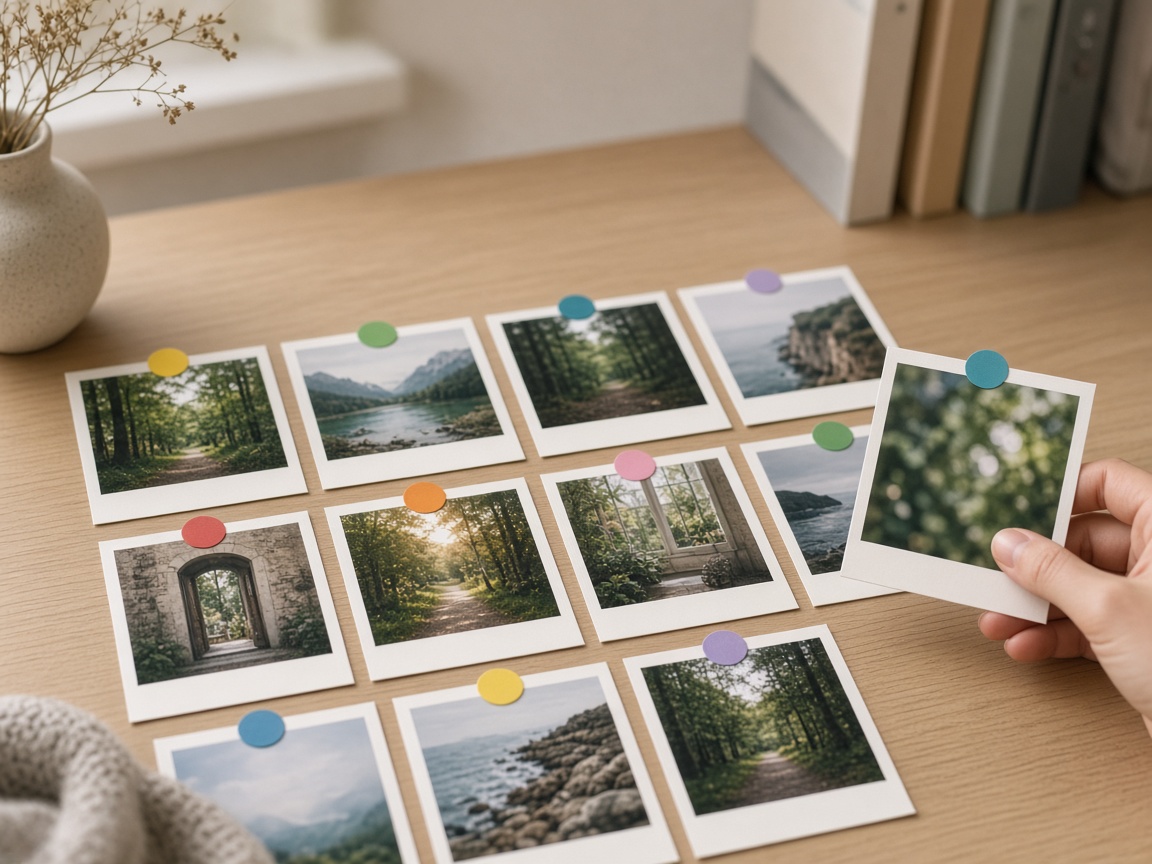
Storage limits as a design constraint
Free plans intentionally offer less space. That constraint can improve taste if you keep only strong work. Pro raises the ceiling for parallel campaigns. Watch usage on Overview and Library. If you are deleting useful masters every week, revisit Billing.
Weekly 10-minute cleanup ritual
- Open Library.
- Rename anything unclear.
- Move strays into folders.
- Delete obvious fails.
- Note storage percentage.
Ten minutes weekly beats a two-hour panic before a launch.
How to use this on SyntVision
Save from the Editor into Library, organize with clear names, and upgrade only when storage truly blocks shipping work.
Pair Library hygiene with license hygiene: keep product URLs with commercial finals so rights questions are answerable. Organization is not bureaucracy when it prevents lost weekends.
If you collaborate, agree on prefixes per client. Shared vocabulary reduces accidental overwrites and duplicate edits. Even on separate accounts, matching patterns help agencies review work faster.
Finally, remember that Library exists to serve publishing. If a file will never be posted, printed, or referenced, it is a candidate for deletion. Make room for the next good idea from Gallery.
Deeper practice notes
Great creative systems are boring on purpose. You repeat a short checklist until it becomes muscle memory: choose with intent, crop for the real placement, add as little decoration as needed, save a master, export a child file, confirm rights, publish, measure one metric, tidy Library. Whenever a step feels glamorous but unclear, return to that checklist.
Most failed projects skip selection. They grab the first colorful thumbnail, then try to invent margins that do not exist. Spend an extra minute in Gallery. The catalog is large enough that a better composition is usually a scroll away. Your Editor time should refine a good choice, not rescue a bad one.
Write the audience and the offer in plain language before you touch type tools. If you cannot say the message in one breath, the image will not say it either. Complexity belongs on the landing page. The creative’s job is recognition and clarity at a glance, especially on mobile data connections and small screens.
When you collaborate, document the product URL, the Library master name, and the export names used in ads or print. That tiny text file prevents legal and operational confusion later. If a platform asks where an asset came from, you answer in seconds instead of reconstructing history from memory.
Finally, protect your future self. Delete failed experiments. Keep masters without burned-in dates when you expect reuse. Review storage monthly. Upgrade plans because of evidence, not anxiety. SyntVision works best as a calm loop — Gallery, Editor, Library, publish — repeated with care.
Library for freelancers and tiny teams
Prefix files with client codes. Example: nord-inv-story-master versus nord-inv-feed-sale. At month end, archive completed clients into a folder and delete abandoned pitches. If you leave every pitch forever, you will pay for storage that only contains maybes.
When a project ends, export a zip of finals for the client and keep only masters you are allowed to reuse. Clarity about reuse rights belongs in your contract and in your notes beside the Gallery URL.
Return to the core loop whenever you feel stuck: browse Gallery with a job in mind, refine in Editor, archive masters in Library, confirm licenses, publish with restraint, and tidy files afterward. Repeating that loop with care will outperform any single “secret” setting inside an editing tool.
Additional practical reminder 1: slow down at selection, speed up at export naming, and never skip the license line because you are in a hurry. Hasty rights mistakes cost more than an extra minute of reading.
Additional practical reminder 2: slow down at selection, speed up at export naming, and never skip the license line because you are in a hurry. Hasty rights mistakes cost more than an extra minute of reading.
Additional practical reminder 3: slow down at selection, speed up at export naming, and never skip the license line because you are in a hurry. Hasty rights mistakes cost more than an extra minute of reading.
Additional practical reminder 4: slow down at selection, speed up at export naming, and never skip the license line because you are in a hurry. Hasty rights mistakes cost more than an extra minute of reading.
Additional practical reminder 5: slow down at selection, speed up at export naming, and never skip the license line because you are in a hurry. Hasty rights mistakes cost more than an extra minute of reading.
Use this guide as a living checklist. Revisit it after your next real project, note where you skipped a step, and adjust your habits. Small process improvements compound across every future export you make on SyntVision.
If you share feedback about confusing UI copy or license language, you help us make the product clearer for everyone. Practical questions from real creators shape better documentation than guesswork alone.