
Licensing questions are the fastest way to stall a creative project. This guide explains, in practical language, how to think about personal vs commercial use on SyntVision, what “no redistribution of the original file” usually means, and which habit prevents most mistakes.

This article is educational, not legal advice. Always read the license text on the specific product page and the site Terms for the rules that apply to you.
Personal use — typical examples
- Phone wallpaper or desktop background
- A print on your own wall
- A school project that is not sold
- A private invitation for friends and family
Personal use is about your own enjoyment or non-commercial sharing in a limited circle. If money, clients, or public brand promotion enter the picture, treat it as commercial until you confirm otherwise on the product page.
Commercial use — typical examples
- Social ads for a business
- Website hero images for a shop
- Client presentations you are paid to deliver
- Print-on-demand products you sell
- YouTube thumbnails for a monetized channel
Many SyntVision images are marked free for personal and commercial use, but commercial freedom almost never means you can resell the untouched original file as a competing stock asset.
The redistribution rule (read this twice)
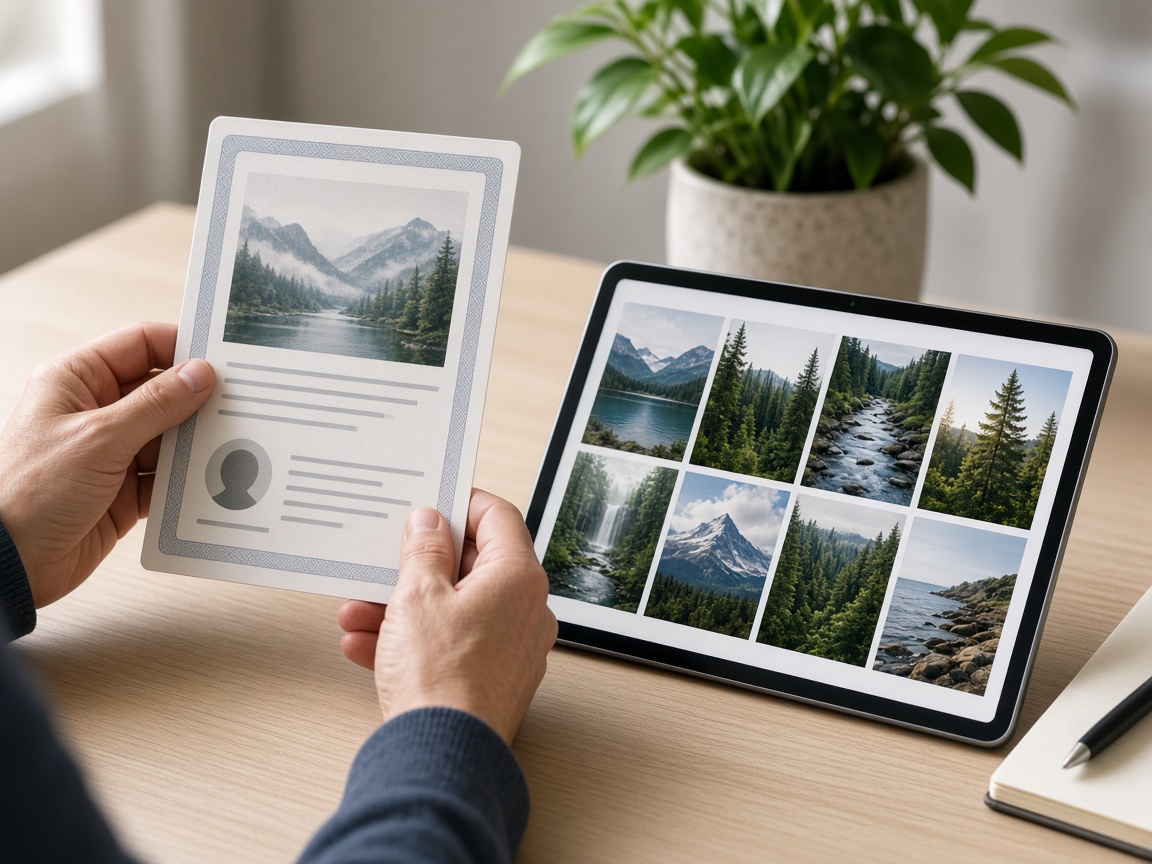
A common line on our product pages is that redistribution or resale of the original file is not allowed. In practice:
- Usually OK (when commercial use is allowed): using the image inside your own ad, website, poster, or packaging design.
- Not OK: uploading the same file to another stock site, selling a “download pack” of originals, or giving the raw file away as if you were the stock provider.
Edits in SyntVision Editor do not automatically turn a restricted asset into something you can re-license to others. Your design can be yours; the underlying stock rights still matter.
A decision checklist before you publish
- Open the product page and read the license block — do not rely on memory from another image.
- Ask: will this appear in connection with a business, payment, or client?
- Ask: am I selling or giving away the file itself, or a finished design that merely includes it?
- If unsure, contact us via the Contact page with the product URL and your use case.
Trademarks, people, and sensitive contexts
Even when an image license is generous, you remain responsible for how you use it. Avoid implying endorsements that are not real. Be careful with medical, financial, or political claims. If a face looks like a real person, do not present the image as a photo of a specific private individual.
Audio has its own rules
Music and sound on SyntVision use a separate license page: SyntVision Audio License. Do not assume image rules automatically apply to audio tracks. Read that page before putting music under a monetized video or client deliverable.
Good habits for teams
- Save the product URL next to the final design file.
- Keep your edited masters in Library with clear names.
- When handing work to a client, describe what rights you believe you granted — do not invent a license.
Where to re-check official text
- License notes on each Gallery product page
- Terms and Conditions
- Privacy Policy (for account and data questions)
- FAQ for common product answers
How to use this on SyntVision
Pick images in Gallery, confirm the on-page license, edit responsibly in the Editor, and keep project files in Library. For audio, read the Audio License first.
Platform-specific caution
Marketplaces, ad managers, and app stores sometimes ask you to confirm you have rights to creative assets. Keep product URLs handy. If a platform’s rules are stricter than a stock license, follow the stricter rule for that channel. SyntVision license text covers what we grant; it cannot override a marketplace policy you agreed to separately.
Influencer giveaways and affiliate landing pages are commercial contexts even when the product is “free” to the follower. If your post promotes a business outcome, re-check the image license first.
When to ask us
Contact us when your use case is unusual: merchandise at scale, trademark-adjacent designs, or redistribution inside a SaaS product. Send the product link and a one-paragraph description of the end use. Clear questions get clear answers; vague “can I use this for everything?” questions do not.
Building a simple internal policy
If more than one person publishes for your brand, write a ten-line internal rule: where to download, where to read licenses, where to store finals, who approves commercial publishing, and when to contact SyntVision. Put that note in your shared drive. Most accidental misuse is process failure, not malice.
Agencies should list SyntVision assets in the job folder the same way they list paid stock invoices. Future you will thank present you when a client asks for documentation during brand cleanup.
Creators who remix images heavily sometimes assume transformation erases license limits. That is unsafe reasoning. Transformation may create a new design you own as a layout, but it does not grant you the right to re-sell the underlying stock as stock. When in doubt, describe your end product honestly on the Contact form and ask.
International and platform variance
Laws and platform rules differ by country and by service. A use that is fine on your own website might need extra care inside a political ad product or a medical claim. SyntVision cannot pre-clear every jurisdiction. Your responsibility grows with the sensitivity of the claim you attach to an image.
Responsible commercial use is mostly slow reading and tidy records. The creative work can be fast; the rights work should be calm. That balance protects your brand and ours.
Bookmark this guide next to the Terms page, and re-open both whenever you launch a new channel — ads library, packaging, or course materials — instead of assuming last year’s decision still fits.
Keep experimenting with small, finished projects rather than endless drafts. Finished work teaches faster, fills your Library with reusable masters, and gives Search and human reviewers a clearer picture of what SyntVision is for: practical creative output with understandable tools and rules.