Crop & retouch
Straighten, crop, mask, and clean up details before you download or share.

Edit AI images in your browser
Crop, text, stickers, filters, and export — then save to My Images. Built for SyntVision creatives.
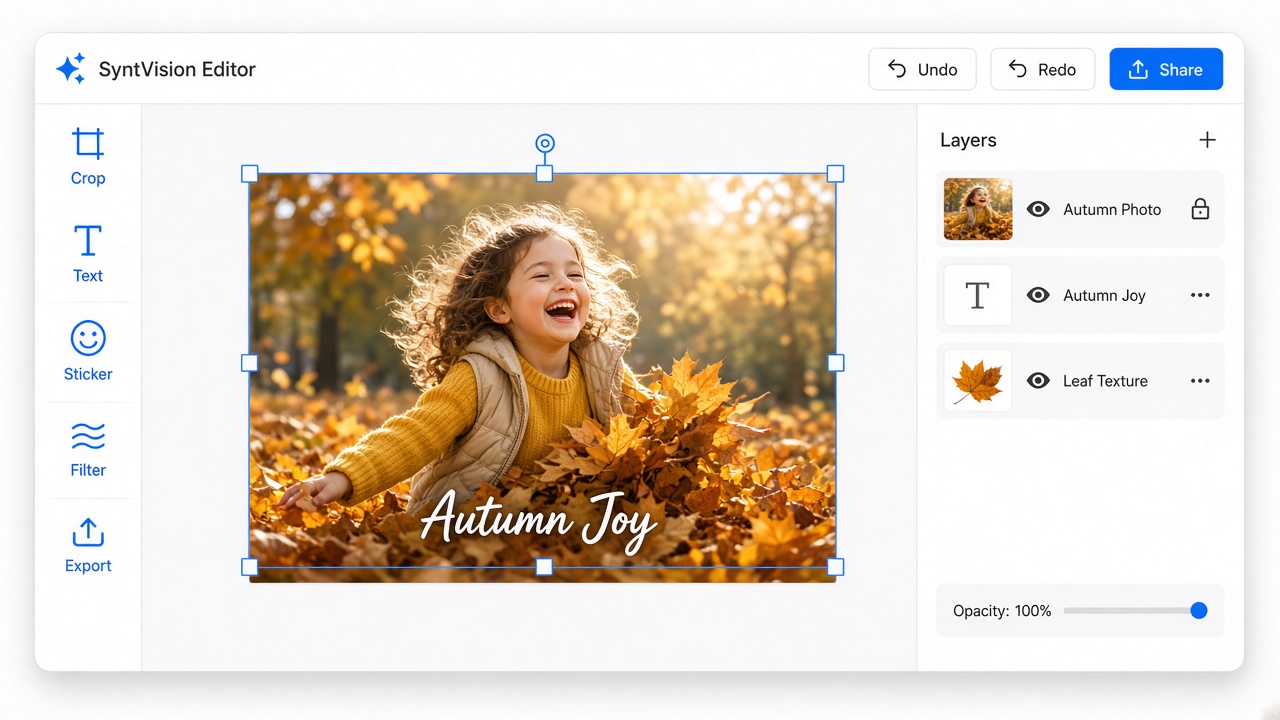
A full creative toolkit — free to start, Pro when you need more.
Straighten, crop, mask, and clean up details before you download or share.
Add headlines, captions, shapes, frames, and stickers for social or print layouts.
Adjust color, lighting, and effects to match your brand or campaign mood.
Save PNG, JPG, WebP and more — or keep private copies in My Images.
Three steps from library to finished visual.
Unlock PSD, AI tools, full style library, and 2 GB private storage.
Open the editor with a sample image, or pick one from the gallery.